
PDF Reader Online Free
A fast PDF reader online: open a file and read it right here.
- No upload
- No app
- No sign-up
- Search and zoom
Use this PDF reader online to open any PDF in your browser, with no app to install and no account. Flick through page thumbnails, zoom in, search the text and go full screen. When you need to, highlight, add notes or sign. Your file is opened on your device and never uploaded.
How to Read a PDF Online
It opens in a second.
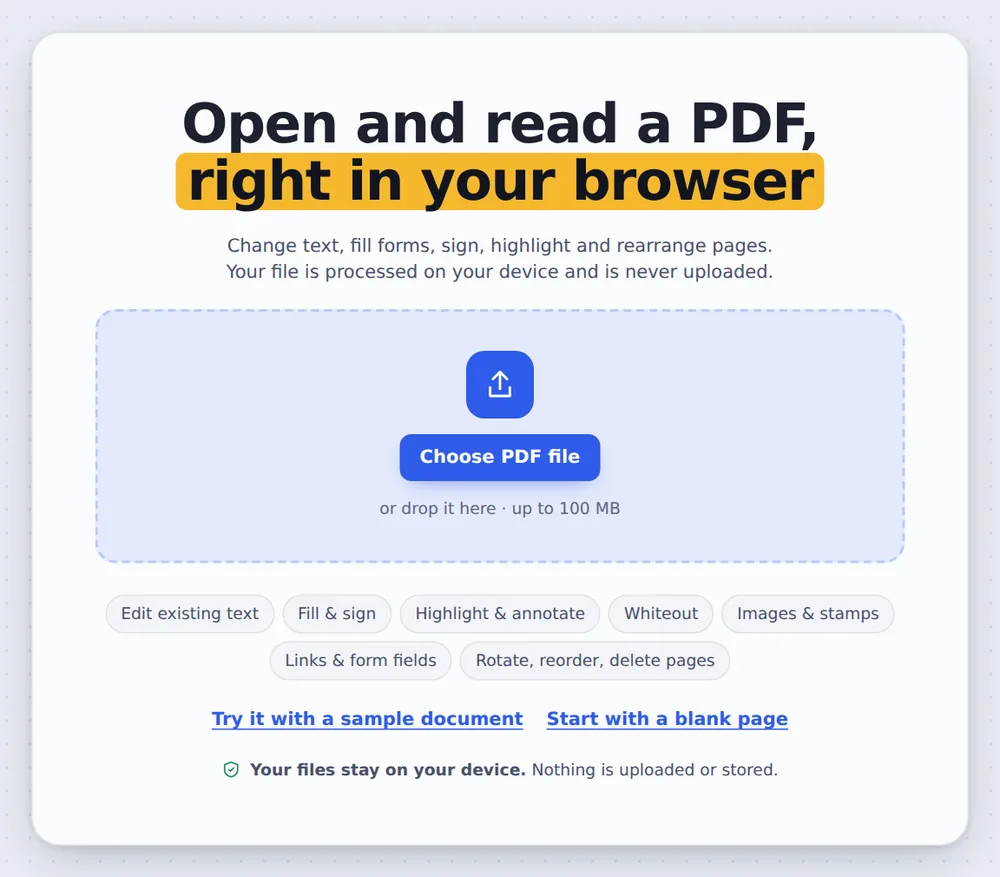
Open your PDF
Click Open PDF or drop the file on the reader above.

Read and move around
Click a thumbnail to jump to a page, use + and − to zoom, and the full-screen button for a bigger view.

Search the text
Click Find or press Ctrl+F, type a word and press Enter to jump between matches.
A PDF Reader That Keeps Your Files Private
Most online PDF viewers upload your file to a server before showing it. This PDF reader online works the other way round: the reader loads in your browser, and the file is opened on your own computer or phone.
That makes it quick, even for long documents, and safe for statements, contracts and medical letters. Close the tab and nothing is left behind.
It is also a full editor, so you can highlight, comment, sign, fill in forms and download the result without switching apps.
Read
Thumbnails, zoom and full screen.
Search
Find any word in the text.
Mark up
Highlight, note and sign.
PDF Reader Options Compared
What you get from each way of opening a PDF.
| Install | Your file | |
|---|---|---|
| This PDF reader online | Nothing | Stays on your device |
| Typical online viewer | Nothing | Uploaded to a server |
| Desktop reader app | Download and install | Stays on your device |
A PDF Reader Online That Never Uploads
Your PDF is opened inside your own browser tab, so statements, contracts and private letters never leave your device.
There is no account and no copy on our side.
- 0files uploadedYour PDF stays on your device.
- 0copies keptWe never see your pages.
- 0accounts neededOpen the page and start.

PDF Reader Online on iPhone, Android or Computer
- Windows
- Mac
- Linux
- Chromebook
- iPhone
- iPad
- Android
Open this page in your phone's browser and tap Open PDF. Swipe through the pages and pinch to zoom.
It works the same on Windows, Mac, Linux and Chromebook, with nothing to install.
When an Online Reader Is Handy
No app needed, wherever you are.
Work computers
When you cannot install software.
Chromebooks
Read and mark up PDFs in Chrome.
Shared computers
Nothing is left behind.
Study
Read, highlight and search papers.
Forms
Read, then fill in and sign.
Long reports
Jump around with thumbnails.
Tips for Reading PDFs Online
- Ctrl+F to searchPress Enter to jump to the next match.
- Full screenUse the full-screen button for slides.
- ThumbnailsClick a page in the sidebar to jump to it.
- HighlightMark important lines while you read.
- Wide margins?Crop PDF makes text bigger on a phone.
- Long filesAdd bookmarks to jump between chapters.
More PDF Tools
They all run in the same private editor.
PDF Editor
Edit text, sign and annotate.
Sign PDF
Sign the document.
PDF to Text
Copy all the text out.
Crop PDF
Trim the margins.
Add bookmarks
Make chapters easy to find.
Compress PDF
Make the file smaller.
PDF Reader Online: Frequently Asked Questions
Answers to what people ask about reading PDFs in the browser.
How can I read a PDF online?
Open this page and click Open PDF, or drop the file on the reader at the top. The PDF opens in your browser, with page thumbnails, zoom and full-screen.
Can I open a PDF without Adobe Reader?
Yes. This online PDF reader works in Chrome, Edge, Firefox and Safari, so you do not need Adobe Reader or any other app.
What is the best PDF reader online?
A good online PDF reader opens files quickly, keeps them private and lets you search, zoom and add notes. This one opens the file on your own device, with nothing uploaded and no sign-up.
Can I read PDFs on my phone?
Yes. Open this page in your phone's browser and tap Open PDF. Pinch to zoom and swipe through the pages.
Can I view a PDF in my browser?
Yes. The PDF reader runs in your browser tab, so the file is shown right here without downloading an app.
How do I open a PDF file online?
Click Open PDF at the top of this page and pick the file, or drag it onto the reader. It opens in a second, even for big files.
Can I search text inside an online PDF?
Yes. Click Find or press Ctrl+F to search the words in the PDF. Scanned pages without a text layer cannot be searched.
Can I annotate a PDF online?
Yes. The reader is also a PDF editor: highlight text, add notes, draw, sign and fill in forms, then download the file.
Ready to Open Your PDF?
No account, no upload and no watermark: choose your PDF at the top of this page.
Open the toolTickPDF opens your file on your own device. Choose your file and try the free PDF reader online today.