
Resize PDF Pages Online Free
Resize PDF pages in seconds: make every page A4, US Letter or the size you need.
- No upload
- Any paper size
- No sign-up
- Content scaled to fit

Resize PDF pages when a document is the wrong paper size for your printer, a submission portal or a mixed file. Pick a size, and the content of every page is scaled to fit and centred. Your file is never uploaded.
How to Resize PDF Pages
Mixed sizes become one size.
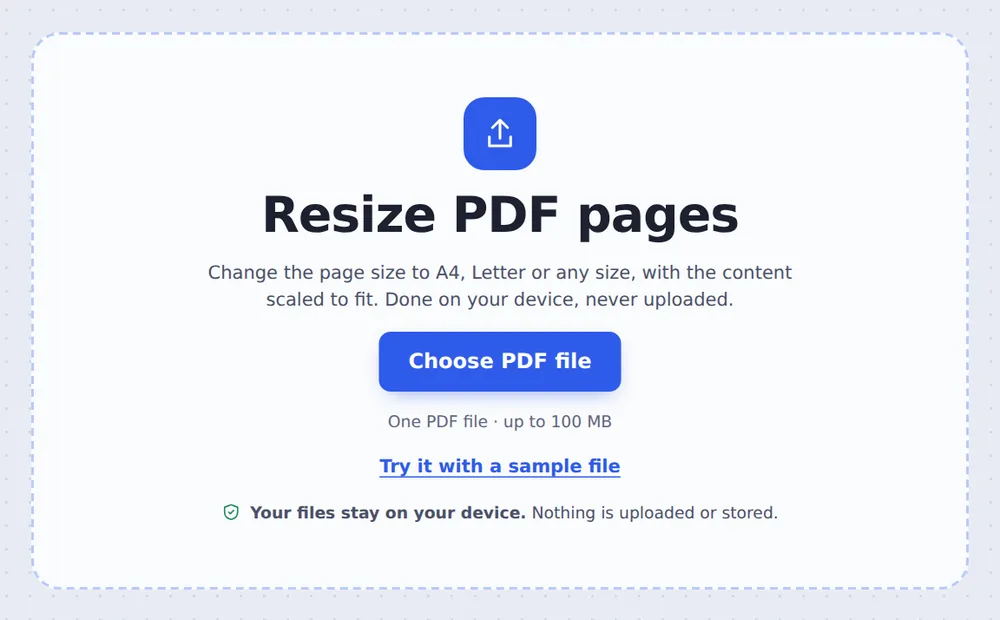
Choose your PDF
Click Choose PDF file or drop the PDF on the tool above. Every page is selected.
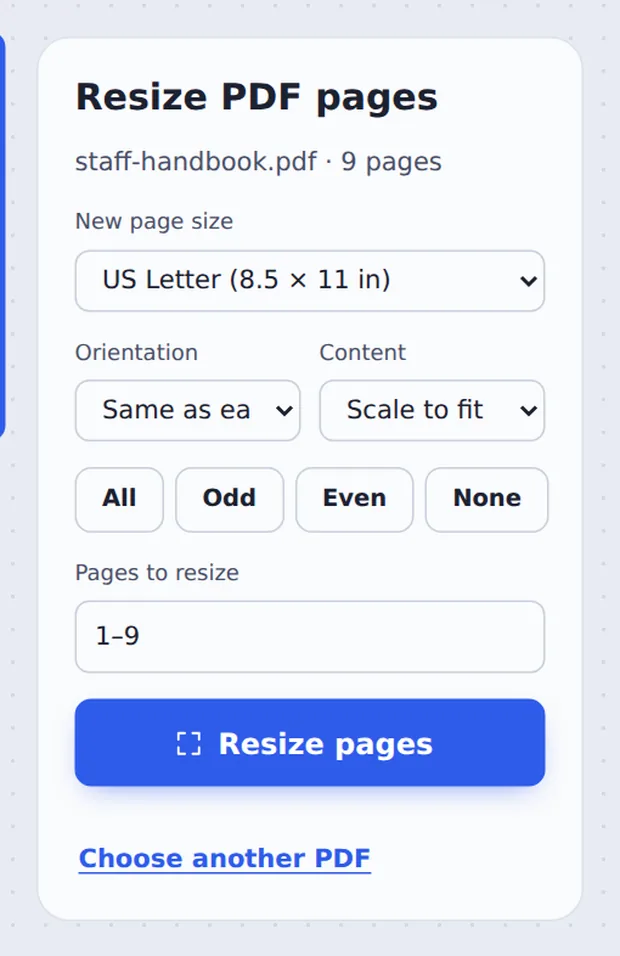
Pick the new size
Choose the New page size, the Orientation and whether to Scale to fit. Then click Resize pages.
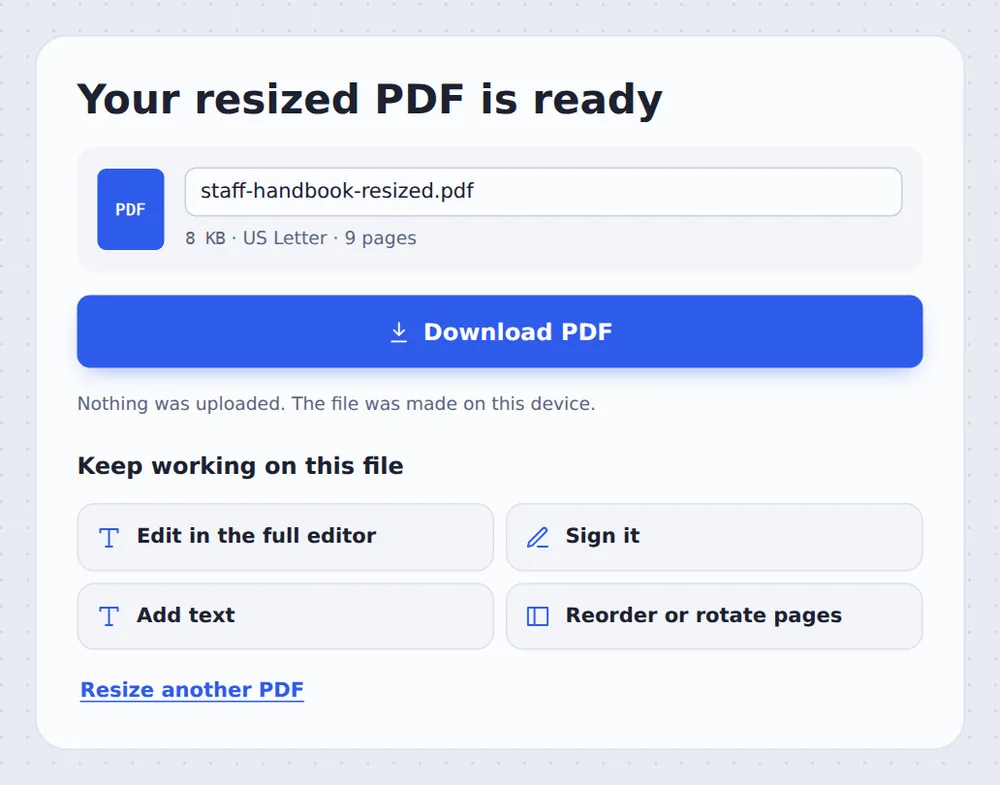
Download the result
Click Download PDF and print it on the paper you have.
Why Change the Page Size?
Europe uses A4 paper and North America uses US Letter. A file made on one prints with cut-off edges or odd margins on the other, and many portals ask for one exact size.
When you resize PDF pages here, each page gets the new size and its content is scaled to fit and centred, so nothing is cut off. Text and drawings are scaled, not redrawn, so they stay sharp.
Choose Keep its size instead to change the paper without scaling, for example to add space around a small page.
Scale to fit
Nothing is cut off.
One size
Mixed pages made consistent.
Sharp
Text stays real and selectable.
Common Page Sizes
All of these are built in, plus a custom size.
| Size | Used for | |
|---|---|---|
| A4 | 210 × 297 mm | Most of the world |
| US Letter | 8.5 × 11 in | USA and Canada |
| US Legal | 8.5 × 14 in | Legal documents in the USA |
| A3 | 297 × 420 mm | Posters, plans and drawings |
| A5 | 148 × 210 mm | Booklets and flyers |
| Tabloid | 11 × 17 in | Newsletters and charts |
Resize All Pages or Just Some
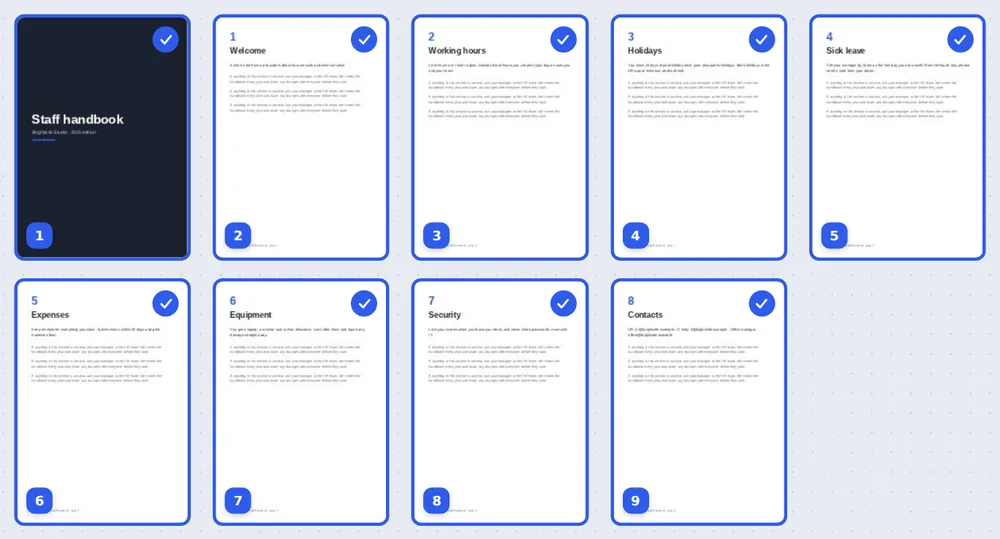
Every page is selected; click a page to leave it as it is.
Resize PDF Pages Without Uploading
TickPDF changes the page size inside your own browser tab, so your documents never leave your device.
There is no account and no copy on our side.
- 0files uploadedYour PDF stays on your device.
- 0copies keptWe never see your pages.
- 0accounts neededOpen the page and start.

Resize PDF Pages on iPhone, Android or Computer
- Windows
- Mac
- Linux
- Chromebook
- iPhone
- iPad
- Android
Open this page in your phone's browser, choose the PDF and the new size, and tap Resize pages.
It works the same on Windows, Mac, Linux and Chromebook, with nothing to install.
When the Page Size Matters
Common reasons to change it.
Printing abroad
A4 files on Letter printers, and back.
Portals
Visa, court and university uploads with a set size.
Merged files
Mixed sizes made consistent.
Scans
Odd scanner sizes turned into A4.
Booklets
A4 pages scaled down to A5.
Posters
Small pages enlarged to A3.
Tips for Changing Page Size
- Crop firstTrim wide margins so the content fills more of the new page.
- Landscape pagesSame as each page keeps them landscape.
- Two on oneTo print two pages per sheet, use Pages per sheet.
- Printer settingPrint at Actual size so nothing is scaled twice.
- Merge then resizeJoin files first so all pages match.
- Keep the originalYour original PDF is not changed.
More PDF Tools
They all run in the same private editor.
Crop PDF
Trim the margins.
Pages per sheet
Print several pages on one sheet.
Rotate PDF
Turn pages the right way up.
Merge PDF
Join files into one document.
Compress PDF
Make the file smaller.
PDF Editor
Edit text, sign and annotate.

Resize PDF Pages: Frequently Asked Questions
Answers to what people ask about changing the page size.
How do I resize PDF pages?
Choose your PDF at the top of this page, pick the new page size such as A4 or US Letter, and click Resize pages. The content is scaled to fit and centred on each page.
Can I resize PDF pages for free?
Yes. The free plan works on PDFs up to 50 pages and 20 MB, with 3 downloads a day, no account and no watermark. TickPDF Pro removes these limits.
Can I resize PDF pages online?
Yes. The tool runs in your web browser on Windows, Mac, Linux and Chromebook, with nothing to install. Open your PDF at the top of this page to start.
How do I resize PDF pages on my phone?
Open this page in your phone's browser, choose the PDF and the new size, and tap Resize pages. There is no app to install.
Can I resize PDF pages without Adobe Acrobat?
Yes. You do not need Acrobat or any other software. The tool runs in your browser, and the new PDF opens in Acrobat, Preview, Chrome and every other PDF reader.
Is it safe to resize PDF pages online?
Yes. Your PDF is not uploaded. It is opened and processed inside your browser tab and never sent to our servers, so nobody else sees it. Close the tab and nothing is left behind.
Does resizing a PDF lower the quality?
No. Text and drawings are scaled, not redrawn, so they stay sharp at any size. Photos keep all their pixels.
What is the easiest way to resize PDF pages?
Open the PDF above, choose A4 or US Letter and click Resize pages. Mixed page sizes all become the same size.
Ready to Resize PDF Pages?
No account, no upload and no watermark: choose your PDF at the top of this page.
Open the toolTickPDF changes the page size on your own device. Choose your file and resize PDF pages today.