
Add Signature Field to PDF Online Free
Add signature field to PDF contracts so people know exactly where to sign.
- No upload
- Real signature fields
- No sign-up
- No watermark

Add signature field to PDF contracts, forms and agreements before you send them. Drag a box where each person should sign, name it, and download. The signer clicks the field to sign it in Acrobat, Preview or another PDF app, even with a digital ID. Nothing is uploaded.
How to Add Signature Field to PDF Pages
The field tool is ready when the PDF opens.
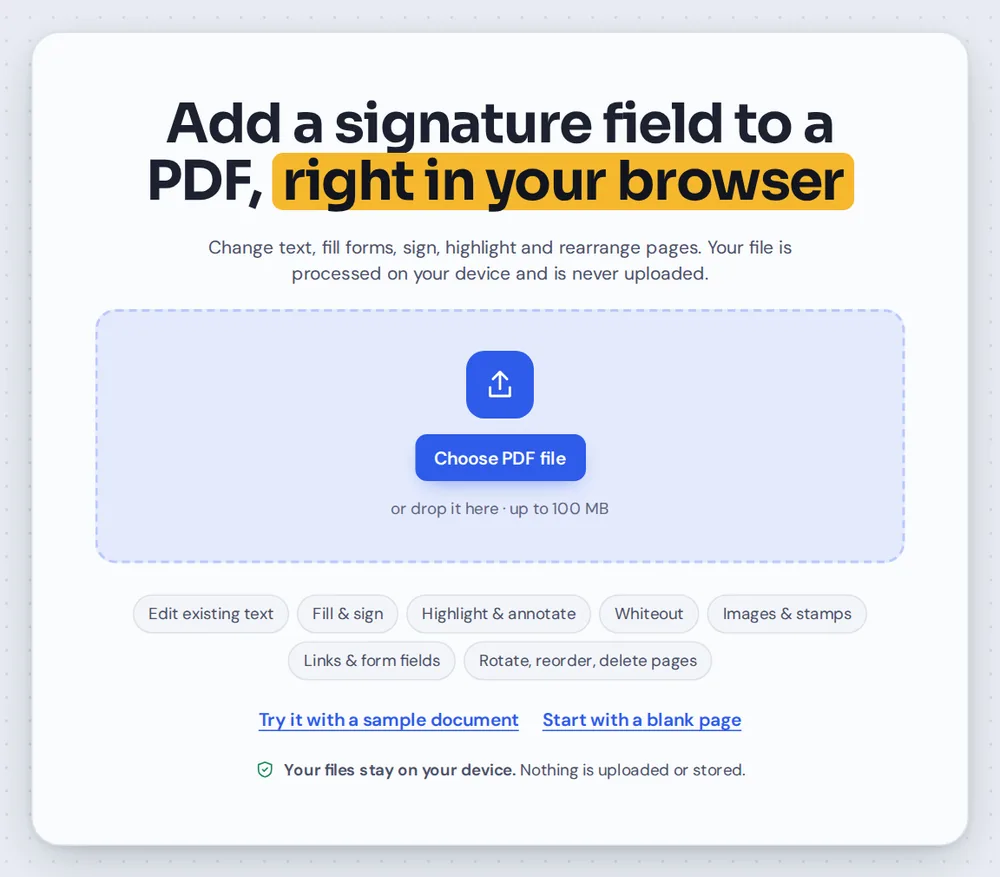
Open your PDF
Click Open PDF or drop the contract on the editor above.

Drag where to sign
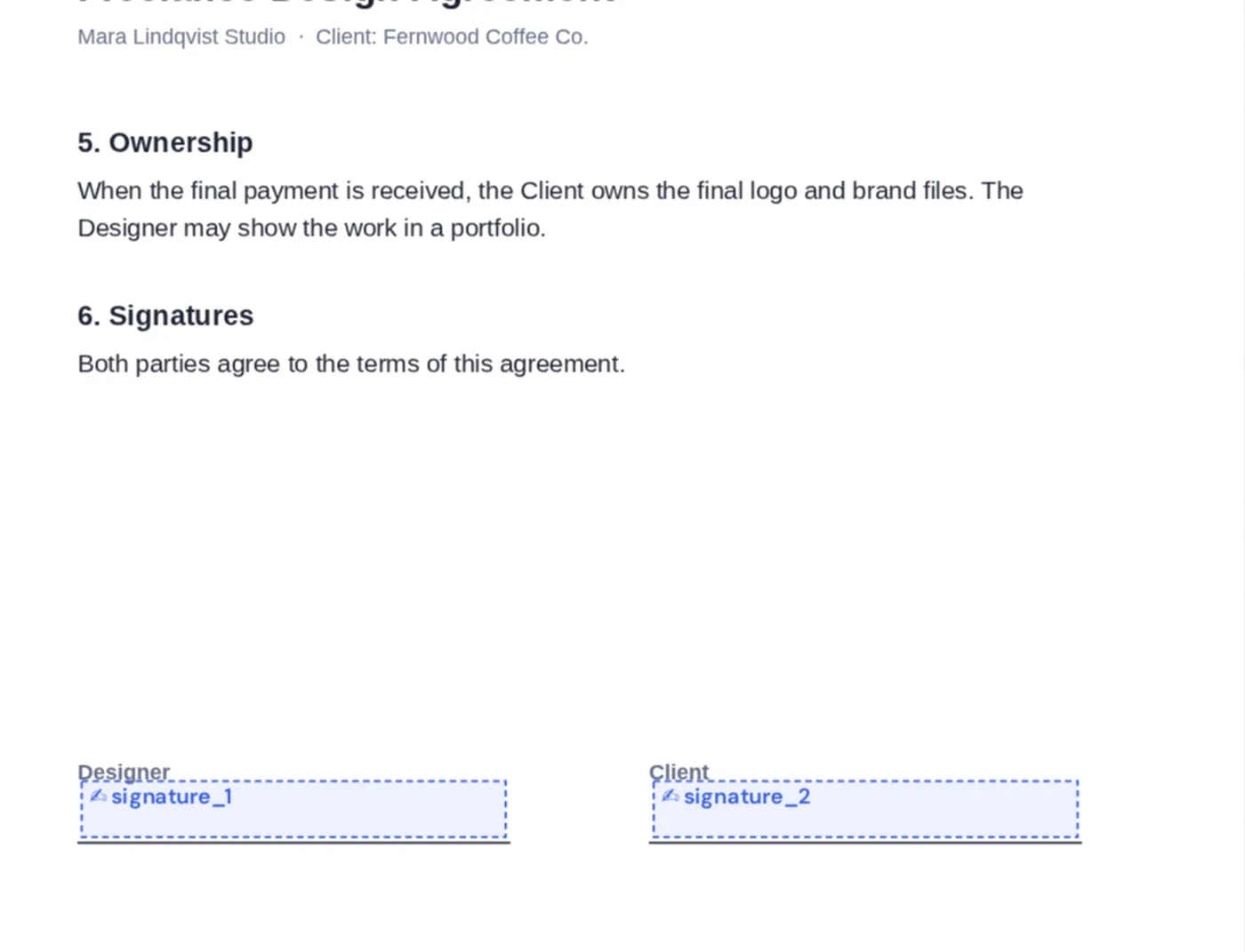
Drag a box above each signature line. On the right, give the field a name such as client_signature.
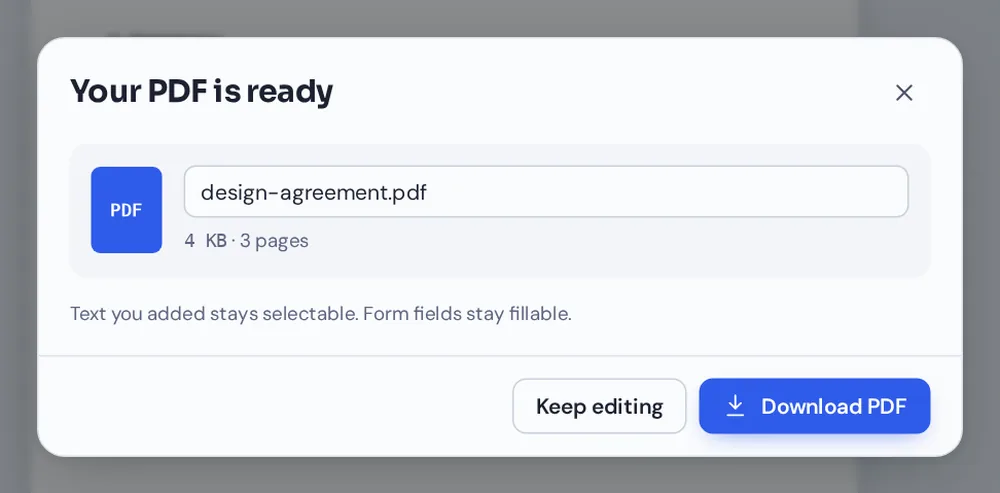
Download and send
Click Download and email the PDF. The signer clicks the field to sign.
A Field Is an Invitation to Sign
A line that says Signature works on paper. On screen, people are not sure where to click, and some apps will not let them sign at all.
When you add signature field to PDF pages here, the box becomes a real signature field inside the file. Acrobat, Preview and other PDF apps recognise it: the signer clicks it and is asked to draw, type or choose a signature, or to sign with a certificate.
Add a signature field to PDF pages for every signer and give each a clear name, so everyone signs in the right place.
Signature fields
Recognised by PDF apps.
Digital IDs
Sign with a certificate in Acrobat.
More fields
Add names, dates and checkboxes.
Add Signature Field to PDF Pages for Each Person
Signature fields for the designer and the client above their signature lines.
Add Signature Field to PDF or Sign It Yourself?
One asks for a signature, the other is one.
| Signature field (this page) | Signature (Sign PDF) | |
|---|---|---|
| What it is | An empty box to be signed | Your signature on the page |
| Use it when | Someone else will sign | You are signing now |
| Certificate signing | Yes, in Acrobat | No |
Add Signature Field to PDF Files Without Uploading
Contracts are private until they are signed. TickPDF adds the fields inside your own browser tab, so the document never leaves your device.
There is no account and no copy on our side.
- 0files uploadedYour PDF stays on your device.
- 0copies keptWe never see your pages.
- 0accounts neededOpen the page and start.
Works on iPhone, Android or Computer
- Windows
- Mac
- Linux
- Chromebook
- iPhone
- iPad
- Android
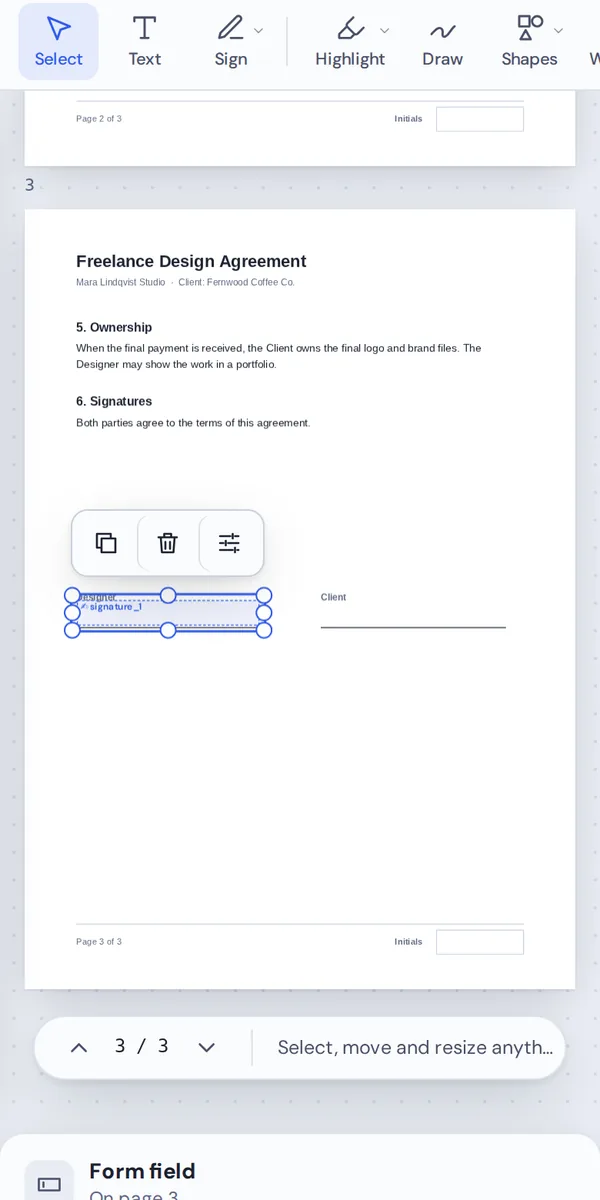
Open this page in your phone's browser, choose the PDF and drag a box where the signature goes to add signature field to PDF pages on the go. Tap Download to save it.
It works the same on Windows, Mac, Linux and Chromebook, with nothing to install.
Who Adds Signature Fields
People add signature field to PDF documents that others must sign.
Freelancers
Contracts for clients.
Landlords
Leases and inventories.
HR teams
Offers and policies.
Schools
Permission slips.
Sales
Quotes and order forms.
Clubs
Membership forms.
Tips When You Add Signature Field to PDF Forms
- Clear namesclient_signature beats signature_2.
- Big enoughAt least 4 cm wide and 1 cm tall.
- Add a date fieldForms → Text box beside it.
- InitialsSmall signature fields on each page.
- Do not flattenFlattening removes the fields.
- Sign yourselfUse Sign PDF for your own signature.
More PDF Tools
They all run in the same private editor.
Sign PDF
Sign the document.
Create fillable PDF
Add form fields.
Fill PDF
Type into any form.
Add comments
Leave notes for others.
Protect PDF
Add a password.
PDF Editor
Edit text, sign and annotate.

Signature Fields: Frequently Asked Questions
Answers to what people ask before they add a signature field to a PDF.
How do I add a signature field to a PDF?
Open your PDF at the top of this page, then drag a box where the person should sign. Add one for each signer, rename the fields if you like, and click Download.
How do I sign a PDF online?
To sign it yourself, use Sign PDF: draw, type or upload your signature and place it on the page. To have someone else sign, add a signature field here and send them the PDF.
Can I add a signature to a PDF for free?
Yes. The free plan works on PDFs up to 50 pages and 20 MB, with 3 downloads a day, no account and no watermark. TickPDF Pro removes these limits.
How do I electronically sign a PDF?
Open it in Sign PDF and place your signature, or open a PDF with a signature field in Acrobat or Preview and click the field to sign there. Both give you a signed PDF you can send by email.
Can I sign a PDF without printing it?
Yes. Signing on screen is quicker than printing, signing and scanning, and the result is cleaner. When you add a signature field to PDF pages, the signer sees exactly where to sign.
How do I add a digital signature to a PDF?
A digital signature uses a certificate to prove who signed. Add a signature field here, then the signer clicks it in Adobe Acrobat or another app with a digital ID to sign with their certificate.
Can I sign a PDF on my phone?
Yes. Open Sign PDF in your phone's browser and draw your signature with a finger. To add a signature field on a phone, open this page and drag where it should go.
Is an electronic signature on a PDF legally valid?
In most countries, including the US, UK and EU, electronic signatures are legally valid for most everyday agreements. Some documents, such as certain wills and property deeds, need more formal signing. If in doubt, check with the other party or a lawyer.
How do I request a signature on a PDF?
Add a signature field to PDF pages where they should sign, download the file and email it to them. They open it, click the field and sign in Acrobat, Preview or another PDF app, then send it back.
Ready to Add a Signature Field?
No account, no upload and no watermark: choose your PDF at the top of this page.
Open the toolTickPDF adds real signature fields on your own device. Open your contract and add signature field to PDF pages today.