
Excel to PDF Converter Online Free
Excel to PDF with every column on the page and sharp, real text.
- No upload
- Fits the page
- No sign-up
- .xlsx .xls .ods .csv

Convert Excel to PDF without columns spilling onto extra pages. Each sheet is fitted to the width of the paper, turned to landscape when it is wide, and printed with gridlines and the first row repeated at the top of every page. Text and numbers are real text, not a picture, and the spreadsheet never leaves your device.
How to Convert Excel to PDF
Works with files from Excel, Google Sheets, LibreOffice and Numbers exports.
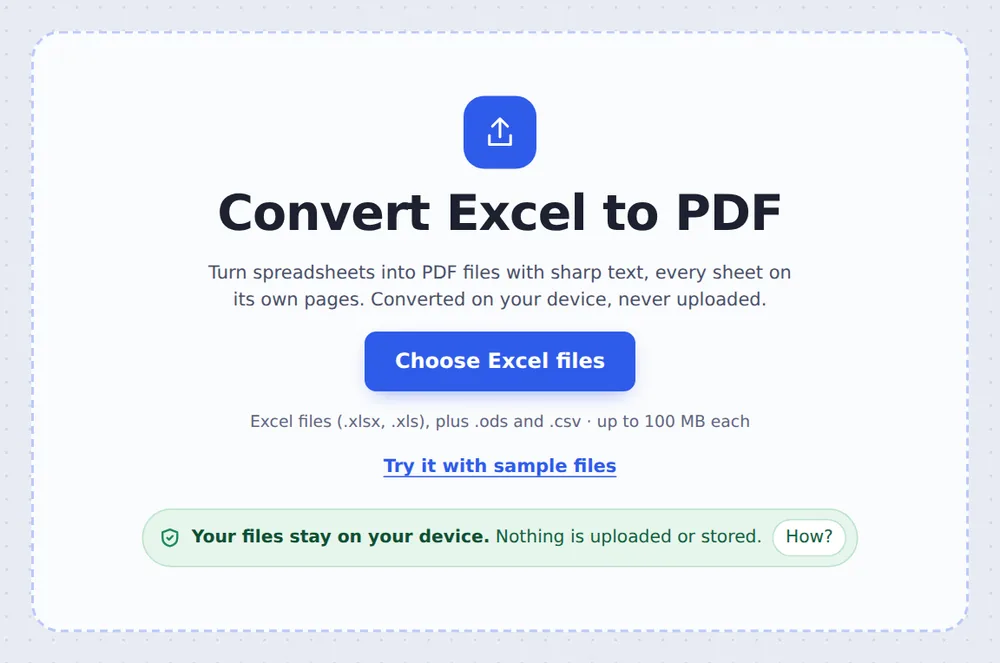
Choose your spreadsheets
Click Choose Excel files or drop .xlsx, .xls, .ods or .csv files on the tool above.
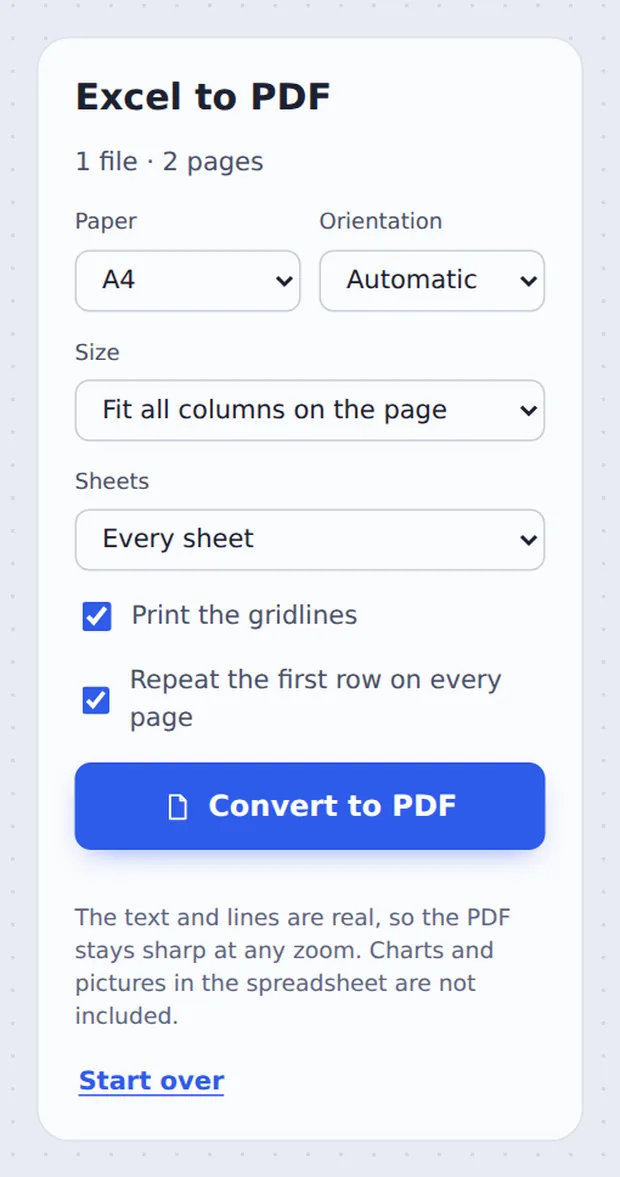
Set the page
Keep Fit all columns on the page, pick the paper and sheets, and click Convert to PDF.
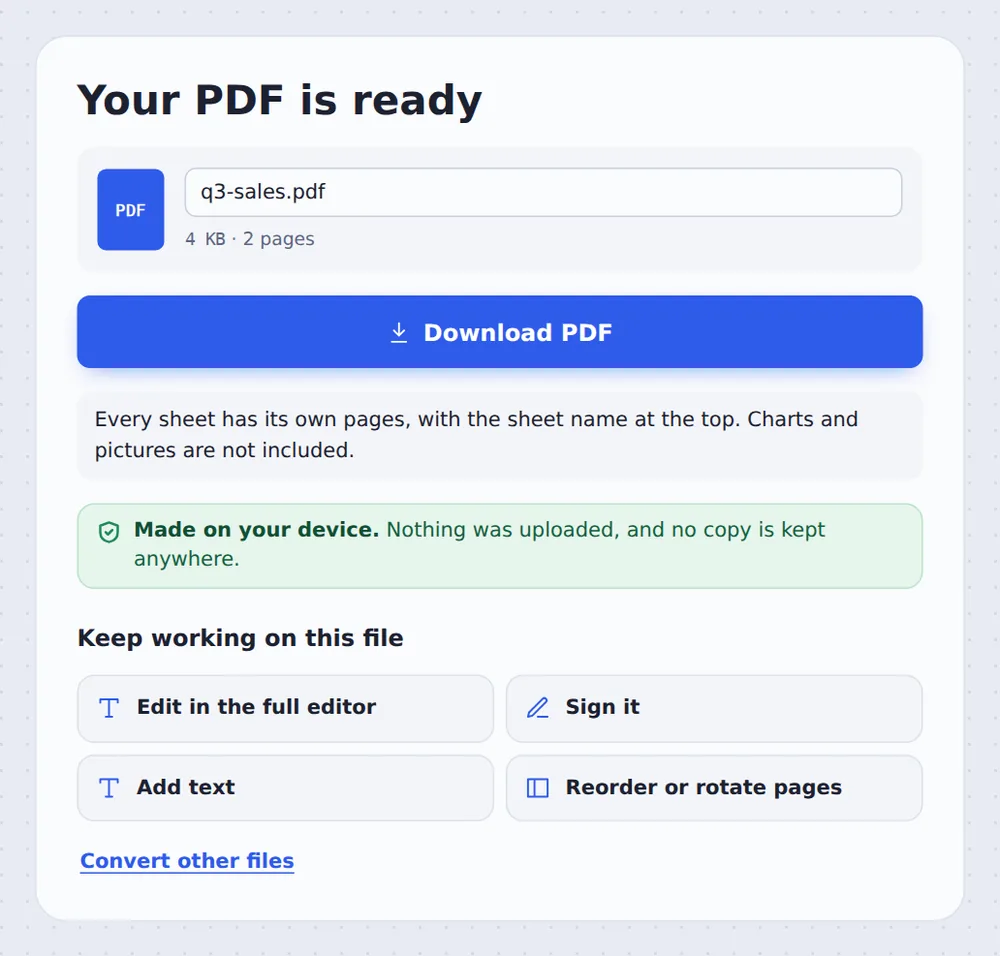
Download the PDF
Click Download PDF. Several files come back together in one ZIP.
How Sheets Become Pages
The usual problem when you save Excel to PDF is that the last columns land on a page of their own. Here, the used part of each sheet is measured first, and the columns are scaled to fit the width of the paper. A wide sheet is turned to landscape by itself.
Text is left-aligned and numbers are right-aligned, in the format you see in Excel, such as £1,200 or 7.5%. Cell colours are kept, merged cells stay merged, and the first row is repeated at the top of every page so long tables stay readable.
Charts and pictures inside the spreadsheet are not included. Hidden rows, columns and sheets are left out, as they are when Excel prints.
Fits the width
No cut-off columns.
Real text
Sharp at any zoom.
Every sheet
Each on its own pages.
The Sales Sheet as a PDF
The sample spreadsheet after conversion, opened in the editor.

Save as PDF in Excel or This Converter
Both work. This one needs nothing installed.
| Save as PDF in Excel | This tool | |
|---|---|---|
| Needs Excel | Yes | No |
| Fit columns | Page setup first | On by default |
| Several files | One at a time | All at once, one ZIP |
Convert Spreadsheets Without Uploading
Budgets, payroll and client lists should not be sent to a stranger's server. TickPDF converts Excel to PDF inside your own browser tab, so the file never leaves your device.
There is no account and no copy on our side.
- 0files uploadedYour spreadsheet stays on your device.
- 0copies keptWe never see your pages.
- 0accounts neededOpen the page and start.

Works on iPhone, Android or Computer
- Windows
- Mac
- Linux
- Chromebook
- iPhone
- iPad
- Android
Open this page in your phone's browser, choose the spreadsheet from Files or Drive and tap Convert to PDF.
It works the same on Windows, Mac, Linux and Chromebook, with nothing to install.
What People Share as PDF
People convert Excel to PDF so the numbers look the same for everyone and cannot be changed by accident.
Quotes
Send a fixed price.
Invoices
From an Excel template.
Reports
Monthly figures for the team.
Rotas
Print the staff rota.
Grades
Share results.
Budgets
Household or club accounts.
Tips for Excel to PDF Conversion
- Fit or actual sizePick Actual size for big printouts.
- One sheetChoose The first sheet only.
- Check totalsMake sure formulas were saved.
- Wide sheetsLandscape is chosen for you.
- One PDFMerge several PDFs afterwards.
- Lock itAdd a password with Protect PDF.
More PDF Tools
They all run in the same private editor.
PDF to Excel
Tables into a spreadsheet.
Word to PDF
Turn .docx into PDF.
Merge PDF
Join files into one document.
Compress PDF
Make the file smaller.
Protect PDF
Add a password.
PDF Editor
Edit text, sign and annotate.

Excel to PDF: Frequently Asked Questions
Answers to what people ask before they convert Excel to PDF.
How do I convert Excel to PDF?
Choose your spreadsheet at the top of this page and click Convert to PDF. Every sheet is placed on pages, and you download the PDF when it is ready.
Can I convert Excel to PDF for free?
Yes. The free plan works on PDFs up to 50 pages and 20 MB, with 3 downloads a day, no account and no watermark. TickPDF Pro removes these limits.
How do I save an Excel spreadsheet as PDF?
In Excel, choose File, Save As and PDF. Without Excel, choose the .xlsx file here and click Convert to PDF. It works with .xls, .ods and .csv files too.
How do I convert Excel to PDF without cutting off columns?
Keep Fit all columns on the page selected. The columns are scaled to fit the width of the paper, and wide sheets are turned to landscape, so no column ends up on a page of its own.
Can I convert multiple Excel sheets to one PDF?
Yes. Every visible sheet in the workbook is added to the same PDF, each starting on a new page with its name at the top. Choose The first sheet only if you need just one.
How do I fit an Excel sheet on one page in PDF?
Choose Fit all columns on the page to fit the width. For a short sheet that also fits the height of one page; long sheets carry on over more pages, with the first row repeated at the top.
Can I convert XLSX to PDF online?
Yes. This converter runs in your web browser and the file is converted on your device, not uploaded. It also takes .xls, .ods and .csv files.
How do I preserve Excel formatting when converting to PDF?
Number formats, cell colours, merged cells and the alignment of numbers are kept. Charts and pictures inside the spreadsheet are not included, and fonts are set in Helvetica for clean, sharp text.
Ready to Convert Excel to PDF?
No account, no upload and no watermark: choose your spreadsheets at the top of this page.
Open the toolTickPDF converts your spreadsheets on your own device. Choose your files and convert Excel to PDF today.