
PPT to PDF Converter Online Free
PPT to PDF: every slide a page, ready to share, print or hand out.
- No upload
- One slide per page
- No sign-up
- Searchable text

Convert PPT to PDF when you need to email slides, upload them to a portal or print handouts. Each slide of your .pptx becomes a PDF page at the slide's own size, with its pictures, shapes, tables and colours, and with text you can search and copy. The presentation is converted on your device, not on a server.
How to Convert PPT to PDF
Works with .pptx files from PowerPoint, Google Slides and Keynote.
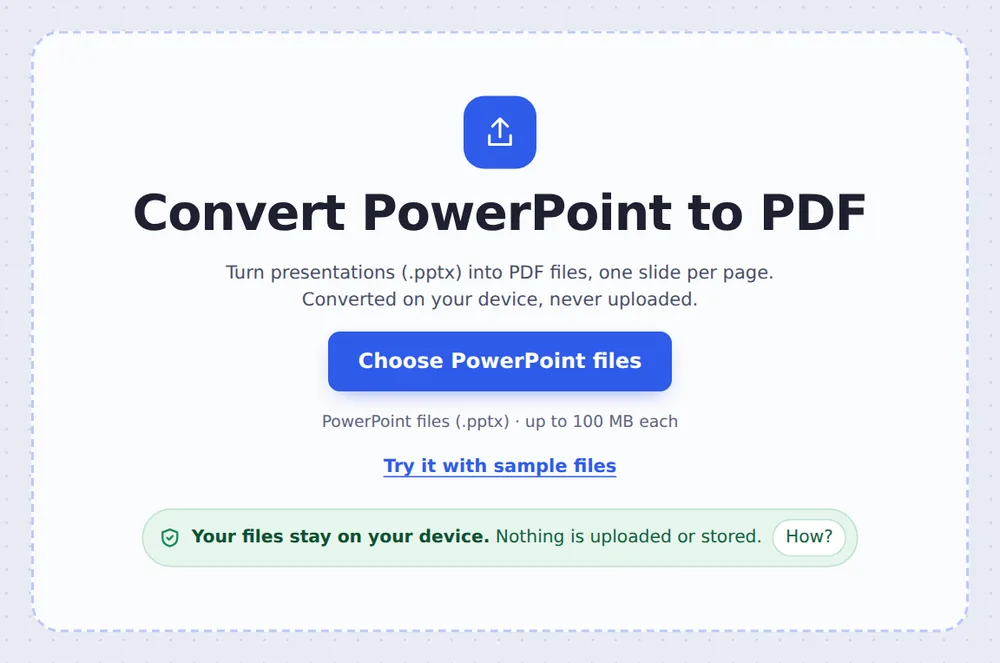
Choose your presentations
Click Choose PowerPoint files or drop .pptx files on the tool above.
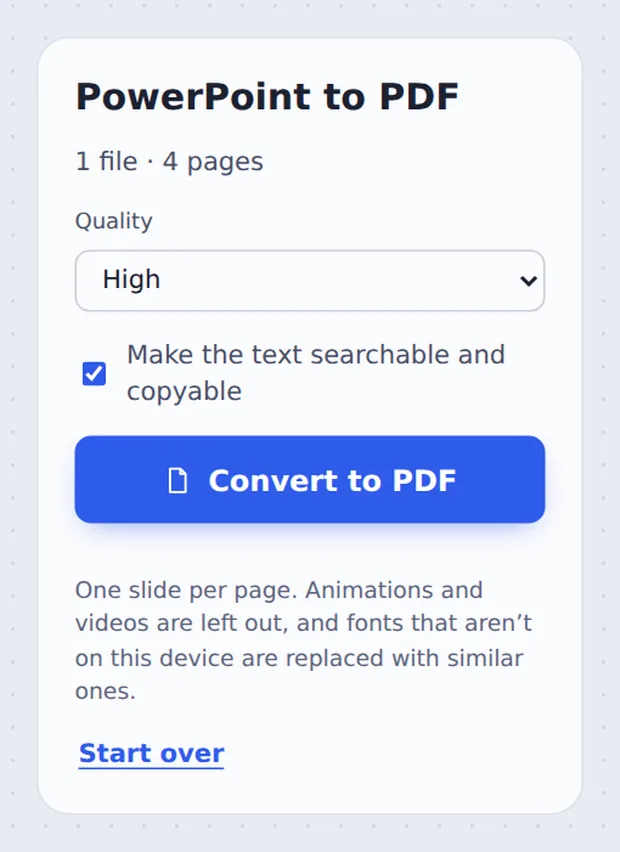
Pick the quality
Choose Quality and keep Make the text searchable ticked, then click Convert to PDF.
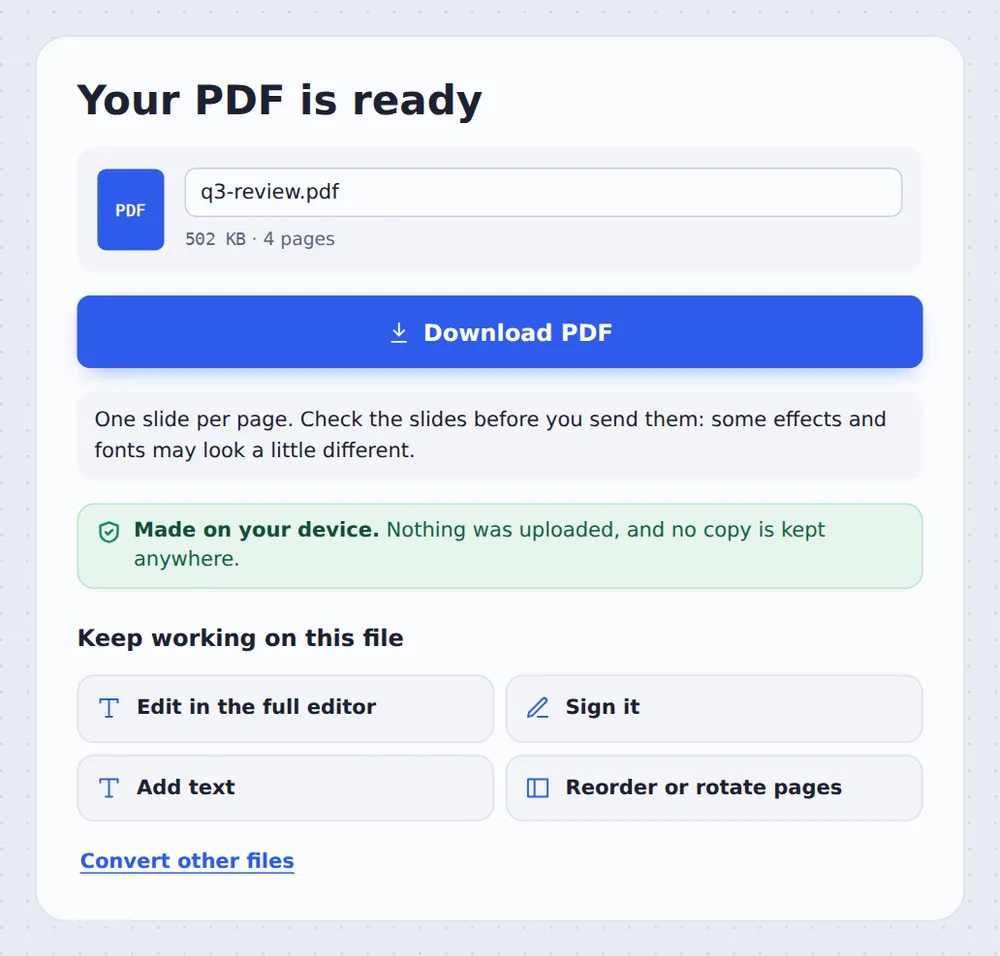
Download the PDF
Click Download PDF. Several files come back together in one ZIP.
How Slides Become PDF Pages
A .pptx file is a package of slides, layouts, pictures and a theme. To turn PPT to PDF, each slide is laid out in your browser with its shapes, text, tables and pictures, at the slide size of the presentation, then saved as a page.
An invisible copy of the words is placed over every page, so you can search the PDF and copy text out of it. Speaker notes, animations, videos and transitions are not part of the PDF, as when PowerPoint saves one.
Fonts that are not on your device are replaced with similar ones, and a few advanced effects, such as some charts and SmartArt, may look simpler. Check the pages before you send them.
One per slide
Same size as the slides.
Searchable
Text you can copy.
Many at once
One ZIP for all.
The Presentation as a PDF
The sample deck after conversion, opened in the editor: one slide per page.

Export in PowerPoint or This Converter
Both give you a PDF. This one needs nothing installed.
| Export in PowerPoint | This tool | |
|---|---|---|
| Needs PowerPoint | Yes | No |
| Works on a phone | With the app | In the browser |
| Several files | One at a time | All at once, one ZIP |
Convert Slides Without Uploading
Pitch decks and board slides are often confidential. TickPDF converts PPT to PDF inside your own browser tab, so the presentation never leaves your device.
There is no account and no copy on our side.
- 0files uploadedYour presentation stays on your device.
- 0copies keptWe never see your pages.
- 0accounts neededOpen the page and start.

Works on iPhone, Android or Computer
- Windows
- Mac
- Linux
- Chromebook
- iPhone
- iPad
- Android
Open this page in your phone's browser, choose the .pptx from Files or Drive and tap Convert to PDF.
It works the same on Windows, Mac, Linux and Chromebook, with nothing to install.
Why People Send Slides as PDF
People convert PPT to PDF so slides open on any device and cannot be changed.
After a meeting
Send the slides round.
Lectures
Upload to the course page.
Pitches
Share a fixed version.
Portals
Many accept only PDF.
Handouts
Print reliably.
Protection
Add a password after.
Tips for PPT to PDF Conversion
- Check the slidesLook at charts and fonts.
- Smaller fileChoose Standard quality.
- HandoutsUse Pages per sheet after.
- One PDFMerge several decks afterwards.
- .ppt filesSave them as .pptx first.
- Lock itAdd a password with Protect PDF.
More PDF Tools
They all run in the same private editor.
PDF to PowerPoint
Pages into slides.
Pages per sheet
Print several pages on one sheet.
Merge PDF
Join files into one document.
Compress PDF
Make the file smaller.
Protect PDF
Add a password.
PDF Editor
Edit text, sign and annotate.

PPT to PDF: Frequently Asked Questions
Answers to what people ask before they convert PPT to PDF.
How do I convert PowerPoint to PDF?
Choose your .pptx file at the top of this page and click Convert to PDF. Each slide becomes a page, and you download the PDF when it is ready.
Can I convert PPT to PDF for free?
Yes. The free plan works on PDFs up to 50 pages and 20 MB, with 3 downloads a day, no account and no watermark. TickPDF Pro removes these limits.
How do I convert PDF to PowerPoint?
Use PDF to PowerPoint: choose the PDF and every page becomes a slide, with text boxes you can edit.
Can I convert PPTX to PDF online?
Yes. This converter runs in your web browser on Windows, Mac, Linux and Chromebook, and the presentation is converted on your device, not uploaded.
How do I preserve slide formatting when converting to PDF?
Slides keep their size, colours, pictures, shapes and tables. Fonts that are not on your device are replaced with similar ones, so check slides with special fonts. For an exact copy, export from PowerPoint itself.
Can I convert a PDF back to an editable PowerPoint?
Yes. PDF to PowerPoint puts every line of text in its own text box, in the same font, size and colour, on a picture of the page's design.
Can I convert PowerPoint to PDF on my phone?
Yes. Open this page in your phone's browser, choose the .pptx from Files or Drive and tap Convert to PDF. There is no app to install.
How do I convert multiple PowerPoint files to PDF?
Choose them all at once at the top of this page and click Convert to PDF. Each presentation becomes its own PDF, and you download them together in one ZIP.
Ready to Convert PPT to PDF?
No account, no upload and no watermark: choose your presentations at the top of this page.
Open the toolTickPDF converts your slides on your own device. Choose your files and convert PPT to PDF today.