
Measure PDF Online Free
Measure PDF drawings and plans: lengths and areas at the right scale.
- No upload
- Any scale
- No sign-up
- Metric and imperial

Measure PDF floor plans, site plans and technical drawings without printing them. Set the scale printed on the drawing, drag from point to point for a length, or drag a box for an area, and the size appears in the units you choose. The plan never leaves your device.
How to Measure PDF Drawings
The scale is usually printed in the title block.
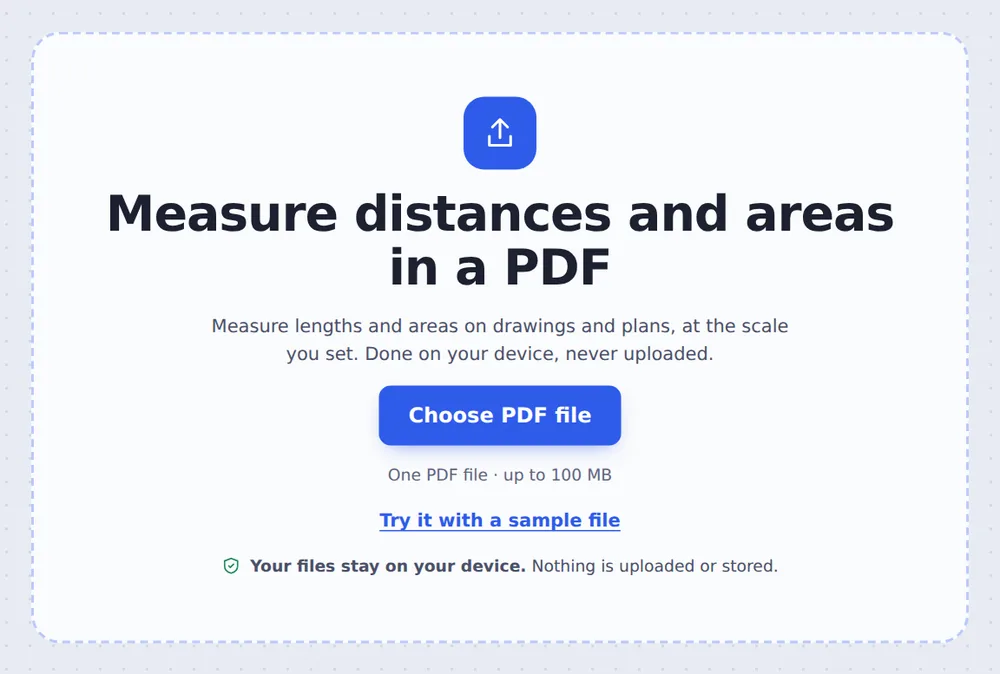
Choose your drawing
Click Choose PDF file or drop the plan on the tool above.
Set the scale
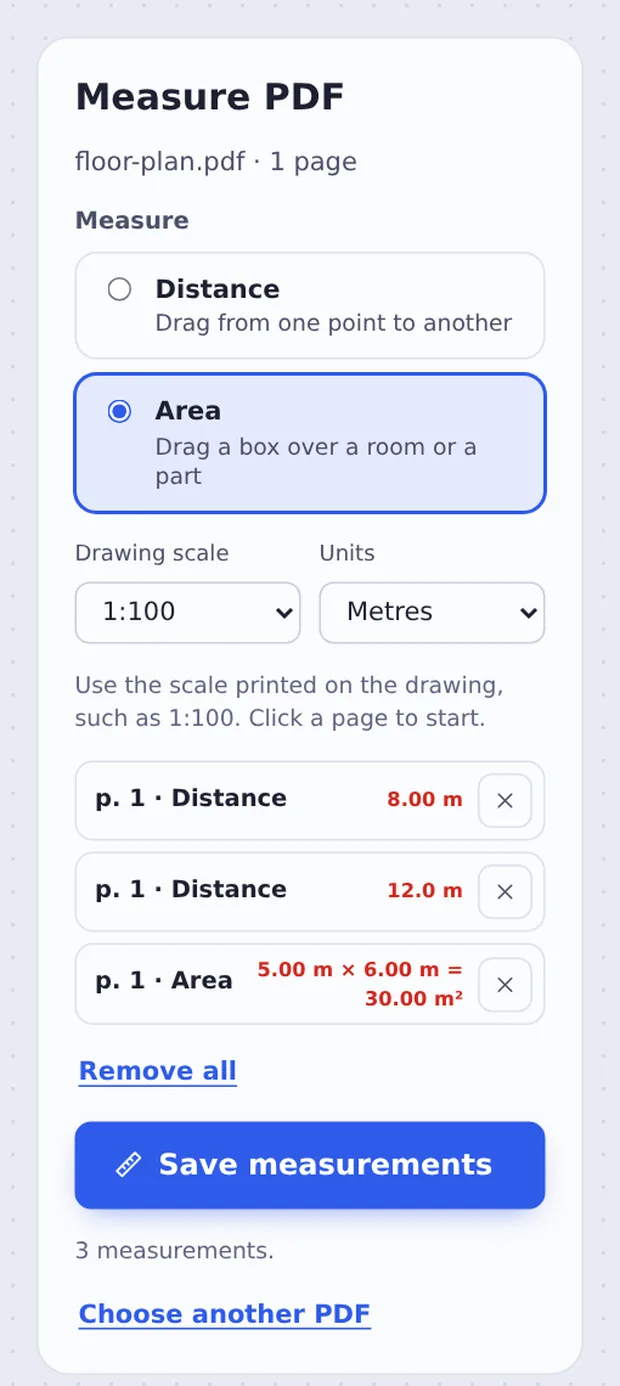
Choose the Drawing scale, such as 1:100, and the Units. Pick Distance or Area.

Click a page and drag
Drag across a wall or a room. Each size is listed; click Save measurements to keep them on the drawing.
How Scale Measuring Works
A drawing at 1:100 shows a 5 metre wall as 5 centimetres on the page. Measuring with a ruler on a print works, but only if it printed at exactly the right size, and you still have to do the sums.
When you measure PDF pages here, the distance is worked out from the page itself, so printing and zoom do not matter. The scale turns it into real-world size: metres for buildings, millimetres for parts, feet and inches if you prefer.
Areas are width times length of the box you drag, shown in square units.
Distance
Drag from point to point.
Area
Drag a box over a room.
Saved on the plan
Red lines and labels.
Lengths and Areas on a Floor Plan
Two walls and a room measured on a plan drawn at 1:100. Hold Shift to keep a line straight.

Which Scale for Which Drawing?
Use the one printed on your drawing.
| Typical scale | 1 cm on the page is | |
|---|---|---|
| Floor plans | 1:50 or 1:100 | 0.5 m or 1 m |
| Site plans | 1:200 or 1:500 | 2 m or 5 m |
| Details and parts | 1:1 to 1:20 | 1 cm to 20 cm |
Measure PDF Plans Without Uploading
Plans of homes and buildings are private, and some are commercial secrets. TickPDF measures them inside your own browser tab, so they never leave your device.
There is no account and no copy on our side.
- 0files uploadedYour drawing stays on your device.
- 0copies keptWe never see your pages.
- 0accounts neededOpen the page and start.

Works on iPhone, Android or Computer
- Windows
- Mac
- Linux
- Chromebook
- iPhone
- iPad
- Android
Open this page in your phone's browser or on a tablet on site, choose the drawing, set the scale and drag with your finger.
It works the same on Windows, Mac, Linux and Chromebook, with nothing to install.
What People Measure on Plans
People measure PDF drawings to plan, price and check work.
Floor plans
Room sizes before buying furniture.
Quotes
Wall lengths for paint or flooring.
Site plans
Fences, paths and plots.
Technical drawings
Part sizes from a drawing.
Events
Space for stands and tables.
Checking
Compare a drawing with the build.
Tips to Measure PDF Plans Accurately
- Check a known sizeMeasure a dimension that is written on the plan.
- Zoom inThe page view is large for precise clicks.
- Hold ShiftKeeps lines straight across or down.
- UndoRemoves the last measurement.
- Custom scaleChoose Other… for scales like 1:75.
- ShareSaved sizes are visible in every reader.
More PDF Tools
They all run in the same private editor.
Add table
Put a table on a page.
Annotate PDF
Highlight, draw and note.
Add comments
Leave notes for others.
Crop PDF
Trim the margins.
Print PDF
Print from the browser.
PDF Editor
Edit text, sign and annotate.

Measure PDF: Frequently Asked Questions
Answers to what people ask before they measure a PDF.
How do I measure a PDF?
Choose your drawing at the top of this page, set the scale printed on it, such as 1:100, and click a page. Drag between two points for a distance, or drag a box for an area. Then click Save measurements.
Can I measure a PDF for free?
Yes. The free plan works on PDFs up to 50 pages and 20 MB, with 3 downloads a day, no account and no watermark. TickPDF Pro removes these limits.
Can I measure a PDF online?
Yes. The tool runs in your web browser on Windows, Mac, Linux and Chromebook, with nothing to install. Open your drawing at the top of this page to start.
How do I measure a PDF on my phone?
Open this page in your phone's browser, choose the PDF, set the scale and tap a page. Drag with your finger to measure. There is no app to install.
Can I measure a PDF without Adobe Acrobat?
Yes. You do not need Acrobat or any other software. The tool runs in your browser, and the measured PDF opens in Acrobat, Preview, Chrome and every other PDF reader.
Is it safe to measure a PDF online?
Yes. Your PDF is not uploaded. It is opened and processed inside your browser tab and never sent to our servers, so nobody else sees it. Close the tab and nothing is left behind.
Are the measurements accurate?
Yes, as long as the drawing was saved at its true size and you choose the right scale. Lengths are worked out from the page itself, to two decimal places. Check one known dimension first to be sure.
What is the easiest way to measure a PDF?
Open the PDF above, choose the scale and the units, then click a page and drag across what you want to measure.
Ready to Measure Your PDF?
No account, no upload and no watermark: choose your drawing at the top of this page.
Open the toolTickPDF measures drawings on your own device. Choose your plan and measure PDF pages today.