
Change Font in PDF Online Free
Change font in PDF files: one line, or every line at once.
- No upload
- One line or all
- No sign-up
- Bold and italic kept

Change font in PDF documents without the original Word file. Click a line to give it a new font, size or style, or change all the text in one click. Bold and italic are kept, the text stays real text you can search and copy, and your file never leaves your device.
How to Change Font in PDF Files
It takes less than a minute.
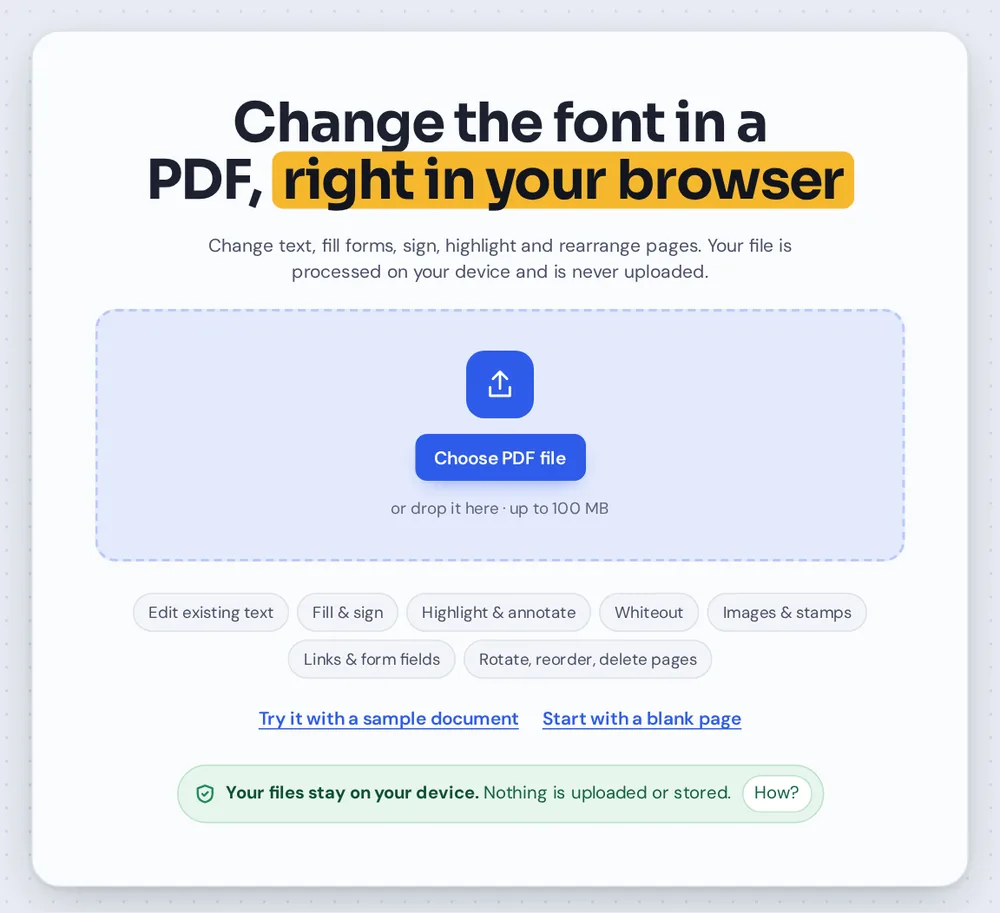
Open your PDF
Click Choose PDF file or drop it on the tool above. The text tool is already selected.
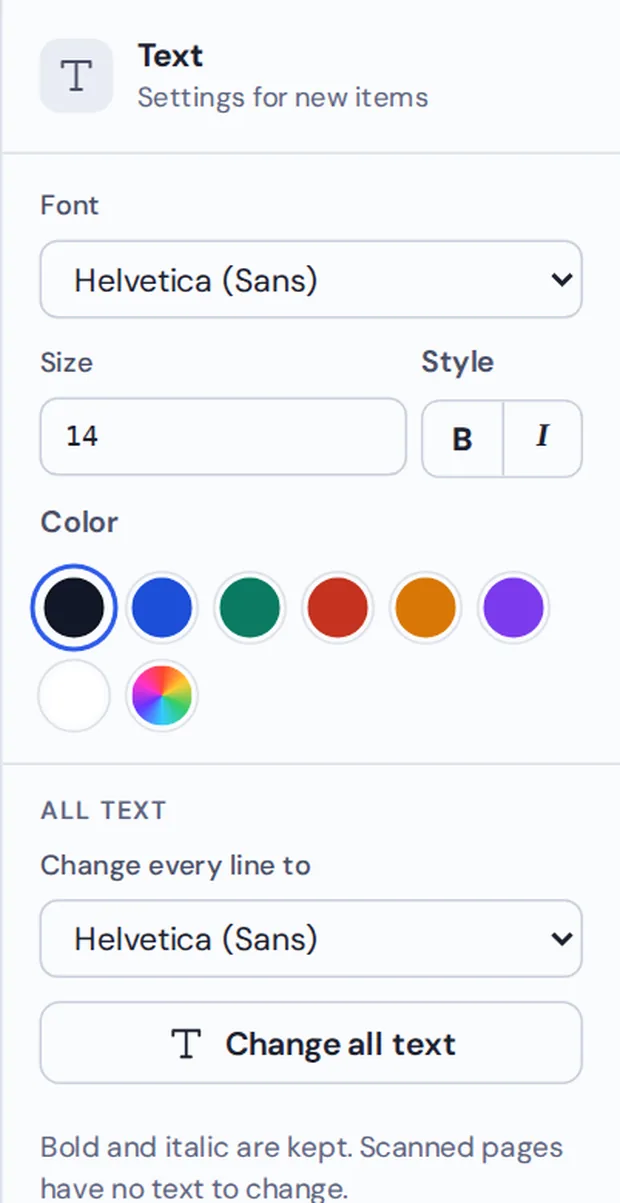
Pick the new font
Click a line and choose a font on the right, or pick one under All text and click Change all text.
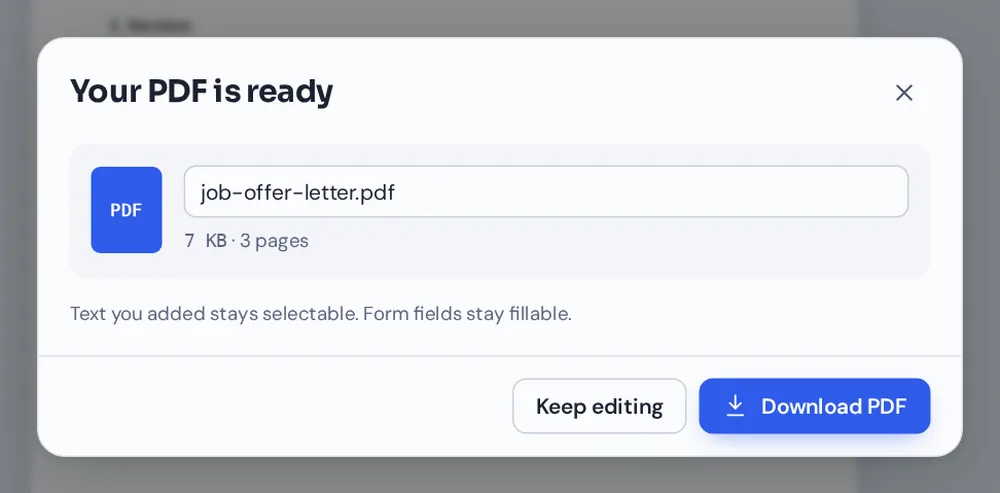
Download
Check the pages, then click Download to save the new PDF.
How the Font Is Changed
A PDF is not like a Word file: each line of text is drawn with the font that was chosen when it was made, and there is no simple setting to switch it. That is why it is hard to change font in PDF files with most readers.
Here, the old line is covered and written again, in the same place and size, with the font you pick. You can choose a sans-serif, a serif, a monospaced or a handwriting font, then adjust the size, colour, bold and italic.
To change font in PDF pages all at once, use Change all text. Every line on every page is rewritten, and headings keep their bold.
One line
Click it and pick a font.
All text
Every page in one click.
Real text
Still searchable and copyable.
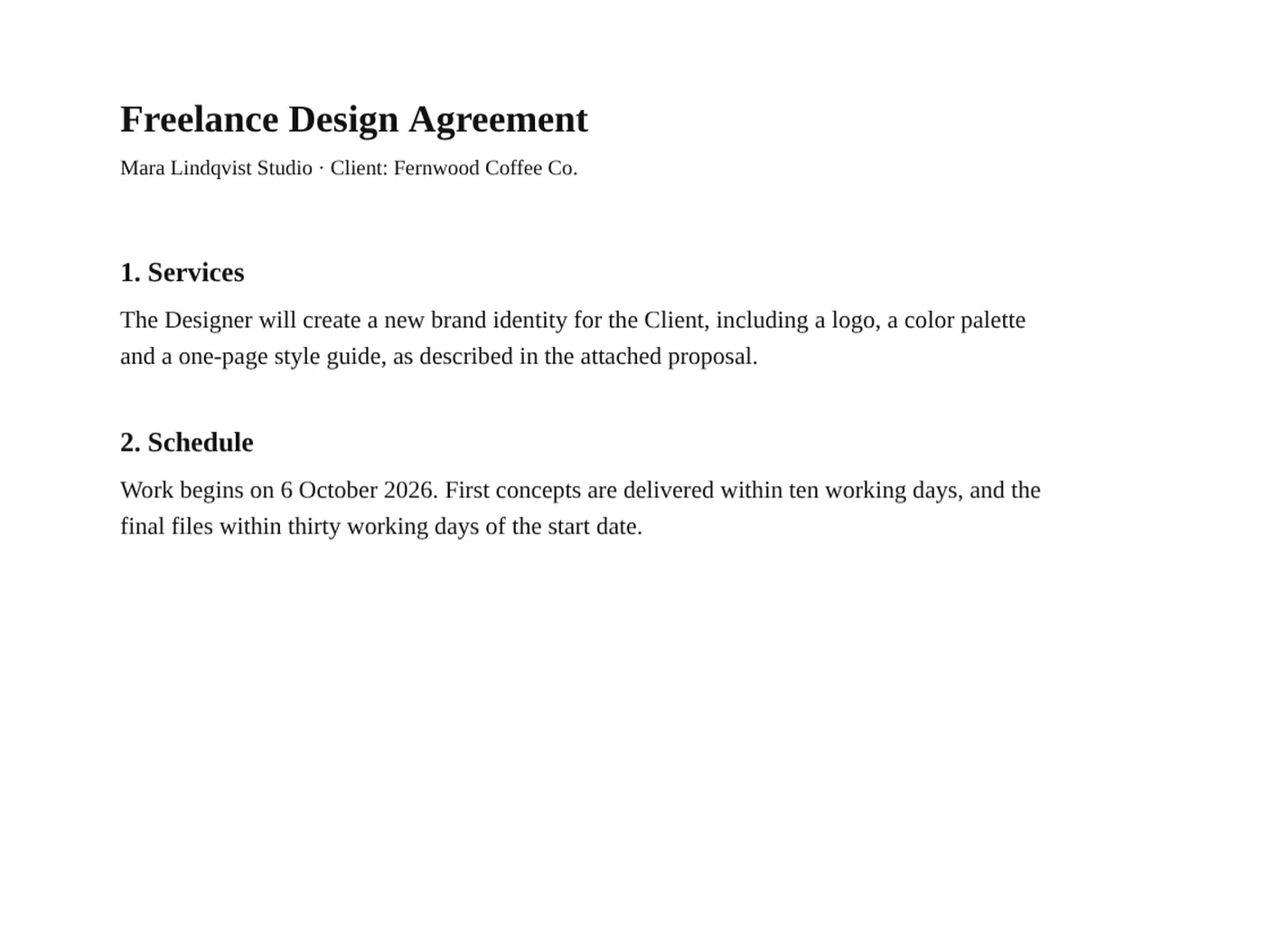
Before and After: A New Font on Every Line
A design agreement first set in Helvetica, now in Times.
Changing Fonts Here or in the Original File
Often the original file is not to hand.
| Original file and Word | This tool | |
|---|---|---|
| Need the original | Yes | No, only the PDF |
| Software | Word or Acrobat | A web browser |
| Time | Find, edit, export | Under a minute |
Change Fonts Without Uploading
Contracts, CVs and letters often hold personal details. TickPDF changes the text inside your own browser tab, so the PDF never leaves your device.
There is no account and no copy on our side.
- 0files uploadedYour PDF stays on your device.
- 0copies keptWe never see your pages.
- 0accounts neededOpen the page and start.

Works on iPhone, Android or Computer
- Windows
- Mac
- Linux
- Chromebook
- iPhone
- iPad
- Android
Open this page in your phone's browser, choose the PDF and tap a line of text. Pick the new font in the panel and tap Download.
It works the same on Windows, Mac, Linux and Chromebook, with nothing to install.
When People Change Fonts
People change font in PDF files to match a brand or make pages easier to read.
Brand fonts
Match the company style.
CVs
A cleaner, modern look.
Readability
Bigger, clearer text.
Forms
One font for every answer.
Assignments
Meet the font rules.
Letters
Match your letterhead.
Tips to Change Font in PDF Pages
- Check long linesA wider font may need a smaller size.
- All at onceUse Change all text for whole documents.
- UndoCtrl+Z puts the old font back.
- HeadingsBold is kept when you change all text.
- Scanned pagesRun OCR first; scans have no text.
- Keep the originalSave the new file with a new name.
More PDF Tools
They all run in the same private editor.
Edit PDF text
Change existing words.
Edit images in PDF
Move, resize or replace pictures.
Edit links in PDF
Change or remove web links.
PDF Editor
Edit text, sign and annotate.
OCR PDF
Make scans searchable.
Sign PDF
Sign the document.

Change Font in PDF: Frequently Asked Questions
Answers to what people ask before they change font in PDF files.
How do I change font in PDF files?
Open your PDF at the top of this page and click a line of text. Choose a new font, size or style in the panel on the right. To change every line at once, pick a font under All text and click Change all text. Then click Download.
Can I change font in PDF files for free?
Yes. The free plan works on PDFs up to 50 pages and 20 MB, with 3 downloads a day, no account and no watermark. TickPDF Pro removes these limits.
Can I change font in PDF files online?
Yes. The tool runs in your web browser on Windows, Mac, Linux and Chromebook, with nothing to install. Open your PDF at the top of this page to start.
How do I change font in PDF files on my phone?
Open this page in your phone's browser, choose the PDF and tap a line of text. Pick the new font in the panel and tap Download. There is no app to install.
Can I change font in PDF files without Adobe Acrobat?
Yes. You do not need Acrobat or any other software. The tool runs in your browser, and the new PDF opens in Acrobat, Preview, Chrome and every other PDF reader.
Is it safe to change font in PDF files online?
Yes. Your PDF is not uploaded. It is opened and processed inside your browser tab and never sent to our servers, so nobody else sees it. Close the tab and nothing is left behind.
Will the text still be sharp after I change font in PDF pages?
Yes. The new text is real text, not a picture, so it stays sharp at any zoom and can still be searched and copied. Pictures and the rest of the page are not changed.
What is the easiest way to change font in PDF files?
Open the PDF above, choose a font under All text and click Change all text. Every line on every page is rewritten, and bold and italic are kept.
Ready to Change Font in PDF Files?
No account, no upload and no watermark: choose your PDF at the top of this page.
Open the toolTickPDF rewrites your text on your own device. Open your file and change font in PDF pages today.