
Word to PDF Converter Online Free
Word to PDF: turn .docx files into PDFs, without uploading them.
- No upload
- Many files at once
- No sign-up
- Searchable text

Convert Word to PDF when you need to send, print or upload a document that looks the same everywhere. Drop in one .docx file or several, and each becomes a PDF with searchable text. Headings, lists, tables and pictures come across, and the files are converted on your own device, not on a server.
How to Convert Word to PDF
Works with .docx files from Word, Google Docs and LibreOffice.
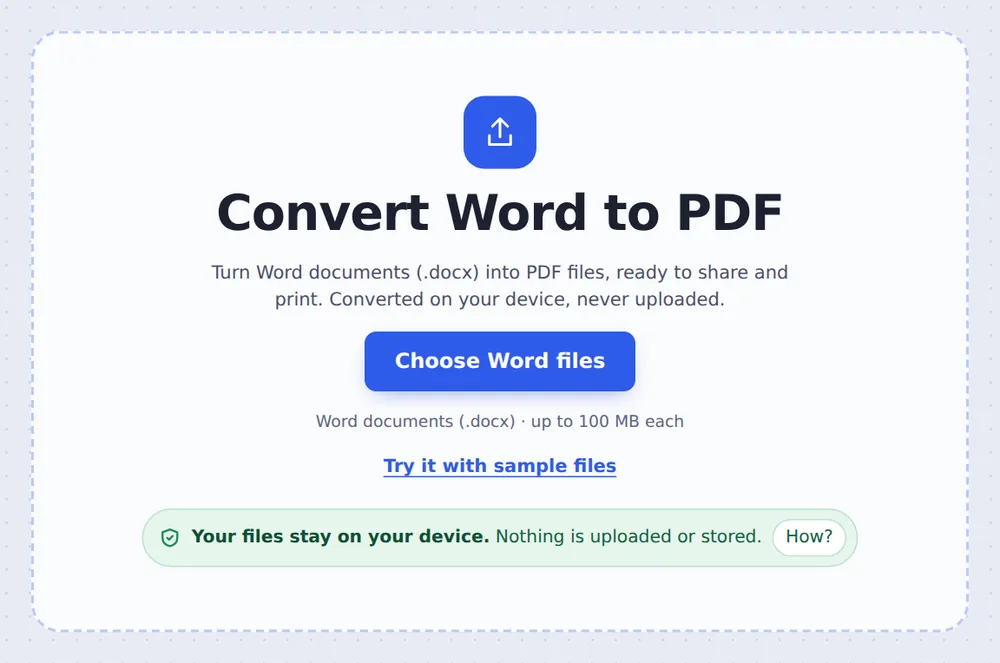
Choose your Word files
Click Choose Word files or drop .docx files on the tool above.

Pick the quality
Choose Quality and keep Make the text searchable ticked, then click Convert to PDF.
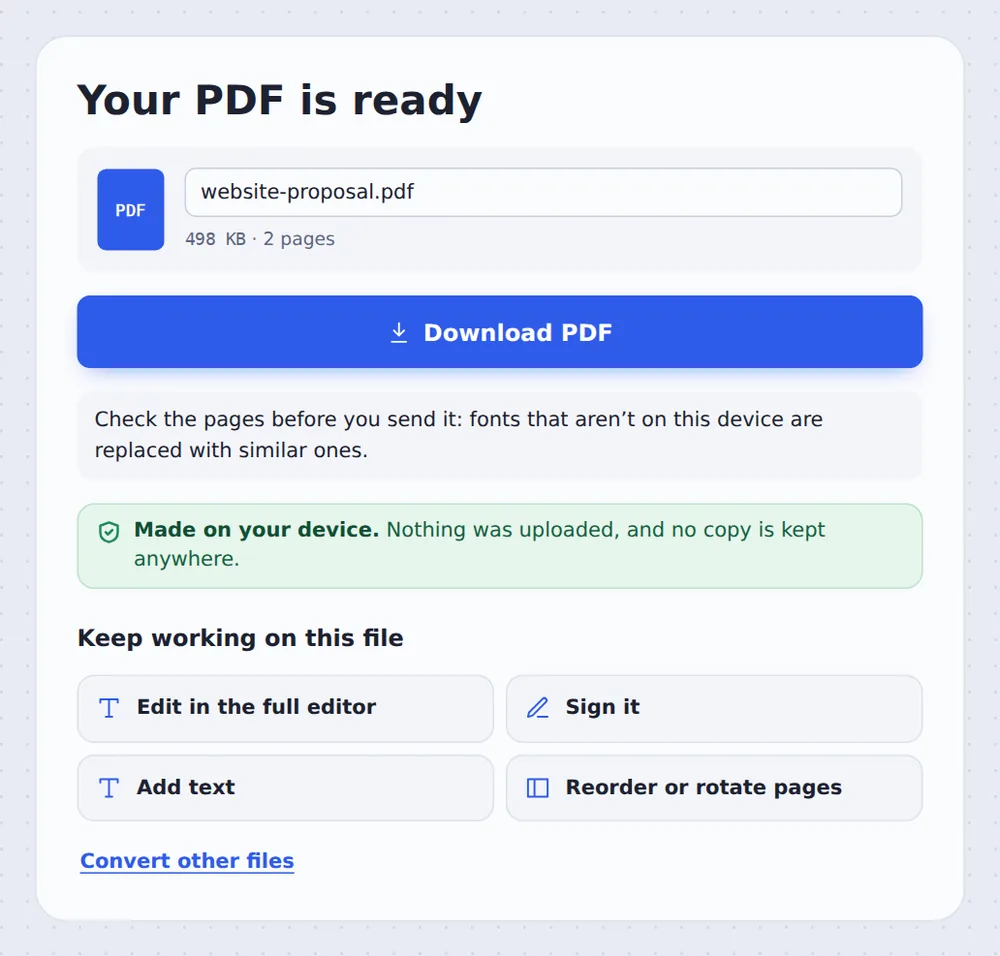
Download
Click Download PDF. Several files come as one ZIP.
How the Conversion Works
A .docx file is a package of text, styles and pictures. The converter lays it out page by page in your browser, the way Word would, then saves each page into a PDF. An invisible copy of the words is placed over each page, so the PDF can be searched and the text copied.
Fonts that are not on your device are replaced with similar ones, so a line can break in a slightly different place. Check the pages before you send them.
For the sharpest text, click Save it with your browser’s Print to PDF. Your browser prints the laid-out document straight to a PDF with real text. Old .doc files need to be saved as .docx first.
.docx files
From Word, Docs or LibreOffice.
Searchable
Text you can copy.
Many at once
One ZIP for all.
A Proposal Saved as PDF
Both pages of the sample proposal after conversion: title, bullets, a table and the closing section.

Ways to Turn a Word File into a PDF
Pick the one that suits you.
| Save as PDF in Word | This tool | |
|---|---|---|
| Needs Word installed | Yes | No |
| Several files at once | One by one | Yes, in one ZIP |
| Works on a phone | With the app | In the browser |
Convert Word Files Without Uploading
CVs, contracts and letters often hold personal details. TickPDF converts Word to PDF inside your own browser tab, so the document never leaves your device.
There is no account and no copy on our side.
- 0files uploadedYour document stays on your device.
- 0copies keptWe never see your pages.
- 0accounts neededOpen the page and start.

Works on iPhone, Android or Computer
- Windows
- Mac
- Linux
- Chromebook
- iPhone
- iPad
- Android
Open this page in your phone's browser, choose the .docx file from Files or Drive and tap Convert to PDF.
It works the same on Windows, Mac, Linux and Chromebook, with nothing to install.
Why People Send PDFs, Not Word Files
People convert Word to PDF so the document looks the same for everyone.
CVs
Keep your layout.
Quotes
Nobody can change them.
Portals
Many accept only PDF.
Assignments
Hand in as PDF.
Forms
Print the same everywhere.
Reports
Share with the team.
Tips for Word to PDF Conversion
- Check the pagesLook for moved line breaks.
- Sharpest textUse Print to PDF for one file.
- .doc filesSave them as .docx first.
- Smaller fileChoose Standard quality.
- One PDFMerge the PDFs afterwards.
- Lock itAdd a password with Protect PDF.
More PDF Tools
They all run in the same private editor.
PDF to Word
Editable .docx file.
Merge PDF
Join files into one document.
Compress PDF
Make the file smaller.
Protect PDF
Add a password.
Sign PDF
Sign the document.
PDF Editor
Edit text, sign and annotate.

Word to PDF: Frequently Asked Questions
Answers to what people ask before they convert Word to PDF.
How do I convert Word to PDF?
Choose your .docx file at the top of this page and click Convert to PDF. Download the PDF when it is ready.
Can I convert Word to PDF for free?
Yes. The free plan works on PDFs up to 50 pages and 20 MB, with 3 downloads a day, no account and no watermark. TickPDF Pro removes these limits.
How do I save a Word document as a PDF?
In Word, choose File, Save As and PDF. Without Word, choose the .docx file here and click Convert to PDF, or click Save it with your browser's Print to PDF.
Can I convert DOCX to PDF online?
Yes. This converter runs in your web browser on Windows, Mac, Linux and Chromebook, and the file is converted on your device, not uploaded.
How do I convert Word to PDF without losing formatting?
Headings, lists, tables and pictures come across. Fonts that are not on your device are swapped for similar ones, so check the line breaks. For exact fonts, use the Print to PDF option on a device that has them.
Can I convert Word to PDF on my phone?
Yes. Open this page in your phone's browser, choose the .docx file from Files or Drive and tap Convert to PDF. There is no app to install.
How do I convert multiple Word files to PDF?
Choose them all at once at the top of this page and click Convert to PDF. Each file becomes its own PDF, and you download them together in one ZIP.
What is the difference between DOC and PDF?
A Word file is made to be edited, and can look different on another computer. A PDF is made to be shared: it looks the same everywhere and is hard to change by accident. Old .doc files need saving as .docx before converting here.
Ready to Convert Word to PDF?
No account, no upload and no watermark: choose your Word files at the top of this page.
Open the toolTickPDF converts your documents on your own device. Choose your files and convert Word to PDF today.