
Edit Scanned PDF Online Free
Edit scanned PDF pages: the words on the scan become text you can change.
- No upload
- Click a line to edit
- No sign-up
- 6 languages

Edit scanned PDF documents as easily as typed ones. The text on every scanned page is recognised first, then the editor opens and you click any line to change it. It all happens on your device, so the scan is never uploaded.
How to Edit Scanned PDF Pages
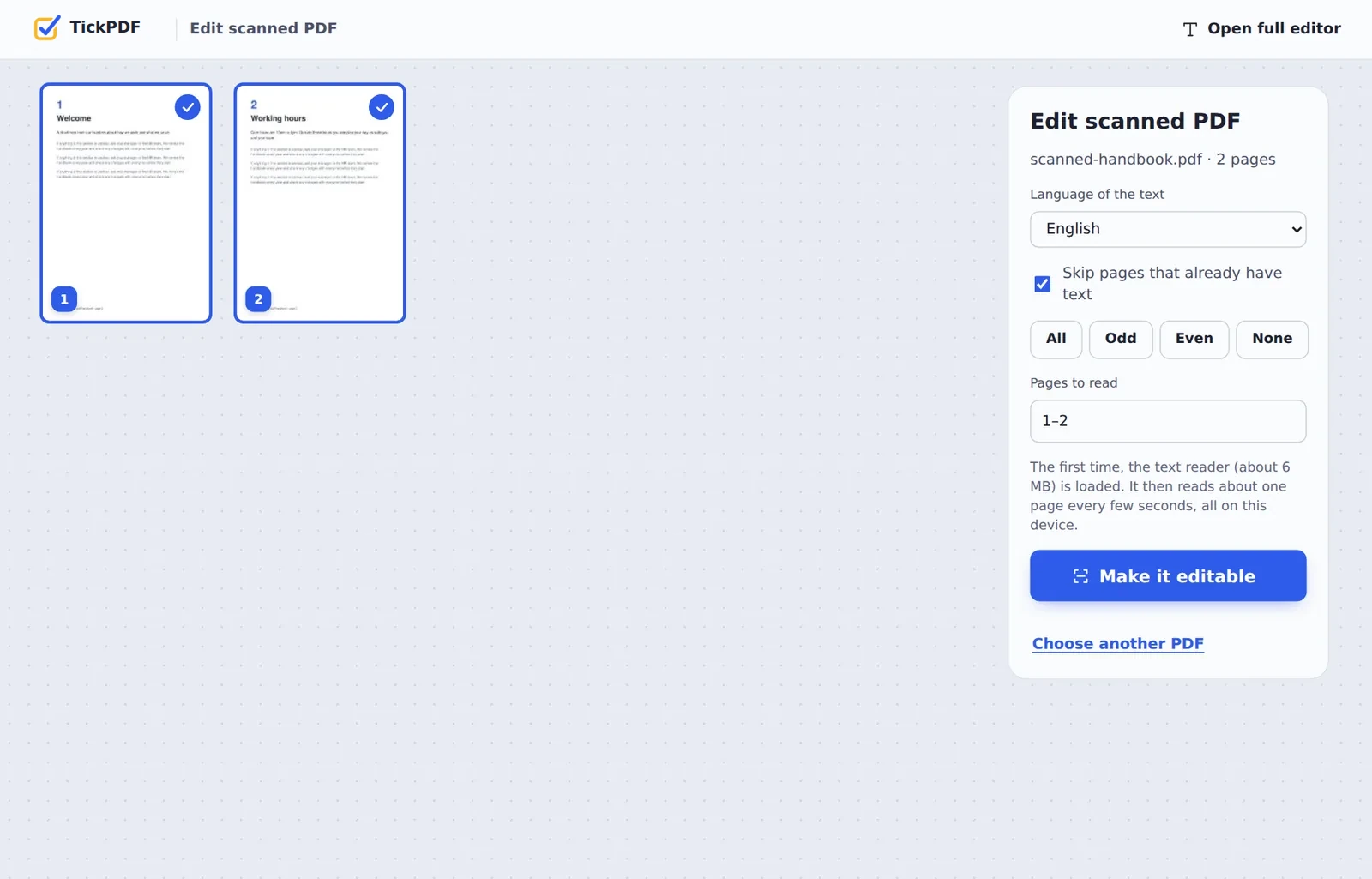
The text reader loads the first time, then reads about one page every few seconds.
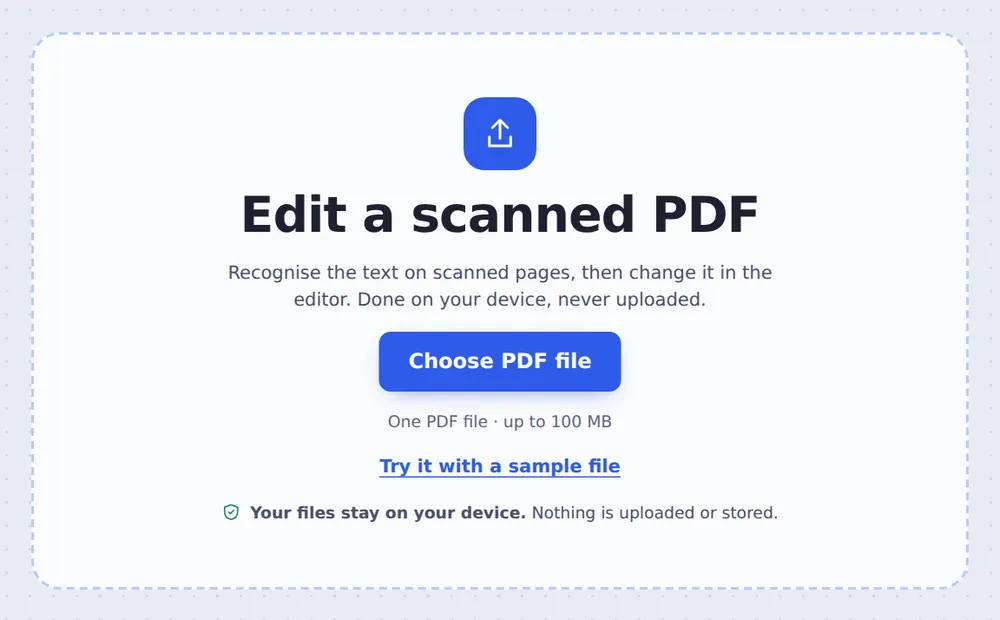
Choose your scan
Click Choose PDF file or drop the scanned PDF on the tool above.
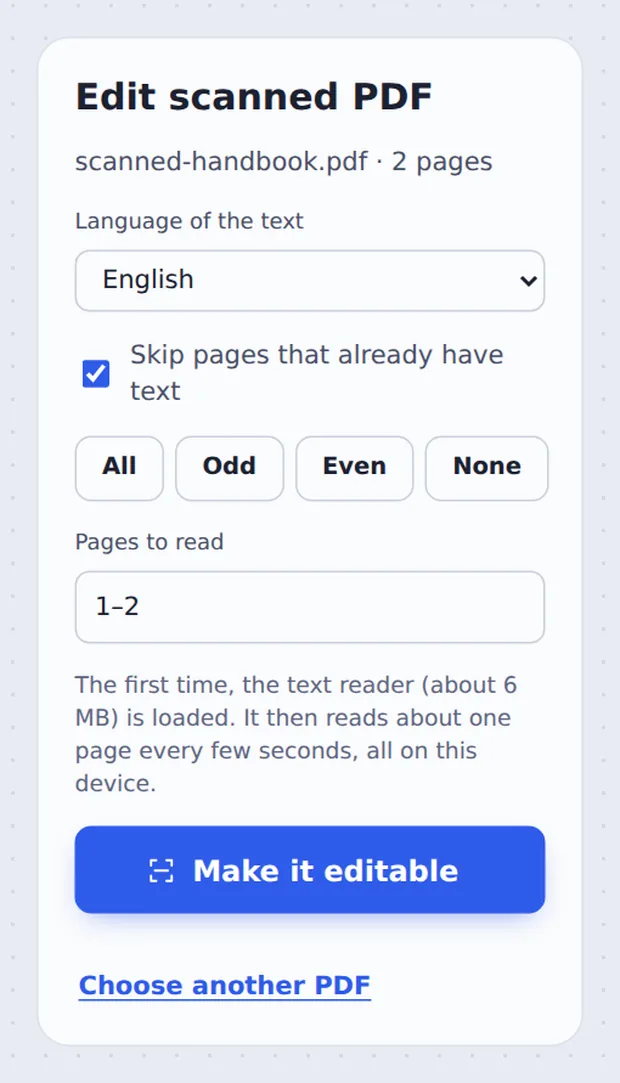
Make it editable
Pick the Language of the text and click Make it editable. Each page is read on your device.
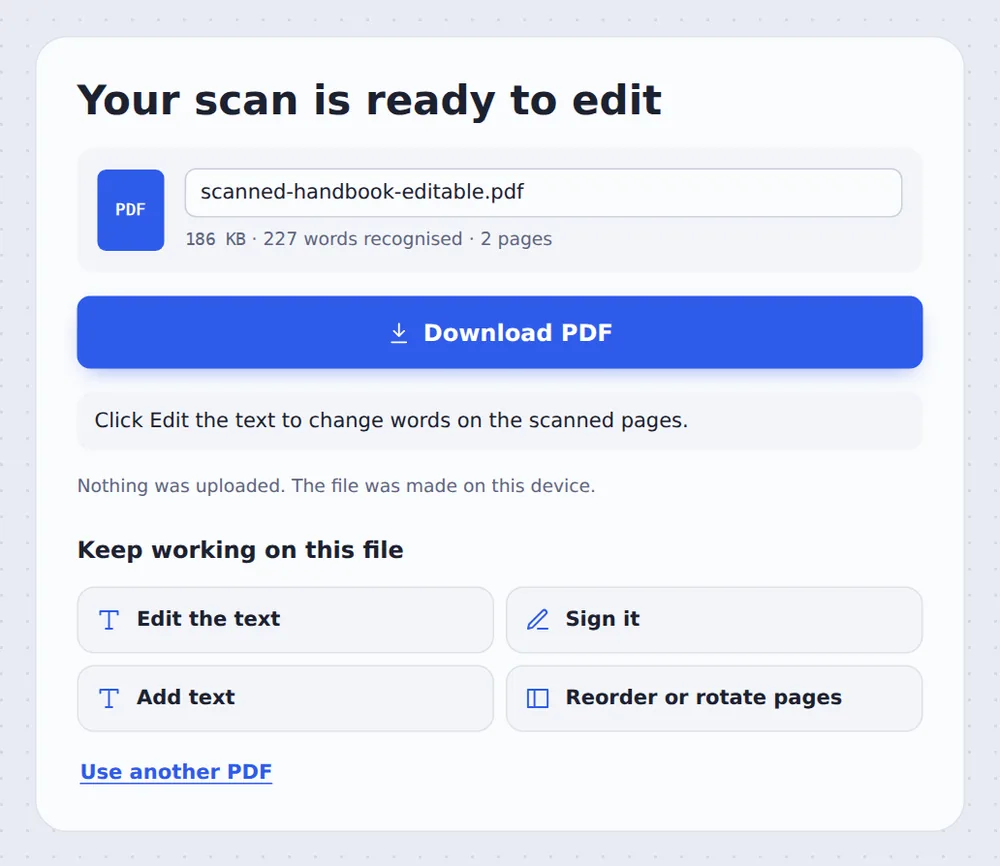
Click Edit the text
Click Edit the text. In the editor, click any line, retype it and click Download.
Why a Scan Cannot Be Edited Straight Away
A scanner takes a photo of the paper. The PDF holds that photo, not letters, so a normal editor has nothing to change: clicking a word only selects the whole picture.
To edit scanned PDF pages, the letters have to be recognised first. This is called OCR. The tool reads each line, adds it as real text in the right place and size, and then opens the editor ready for changes.
When you retype a line, the new words cover the old ones on the scan in a matching size, and the rest of the page stays exactly as it was.
Recognise
Every printed line is read.
Retype
Click a line and change it.
Download
A searchable, edited PDF.
Click a Line and Type
Here a line on a scanned handbook page is being retyped in the editor.

Edit Scanned PDF or OCR PDF?
Both read the scan; they finish differently.
| Edit scanned PDF | OCR PDF | |
|---|---|---|
| Result | The editor, ready to change words | A searchable PDF or a .txt file |
| Best for | Fixing a typo, a date or a name | Searching and copying text |
| Changes the page | Only the lines you retype | No |
Edit Scanned PDF Files Without Uploading
Scans are often private papers: IDs, bank letters, medical forms. TickPDF reads and edits them inside your own browser tab, so the scan never leaves your device.
There is no account and no copy on our side.
- 0files uploadedYour PDF stays on your device.
- 0copies keptWe never see your pages.
- 0accounts neededOpen the page and start.
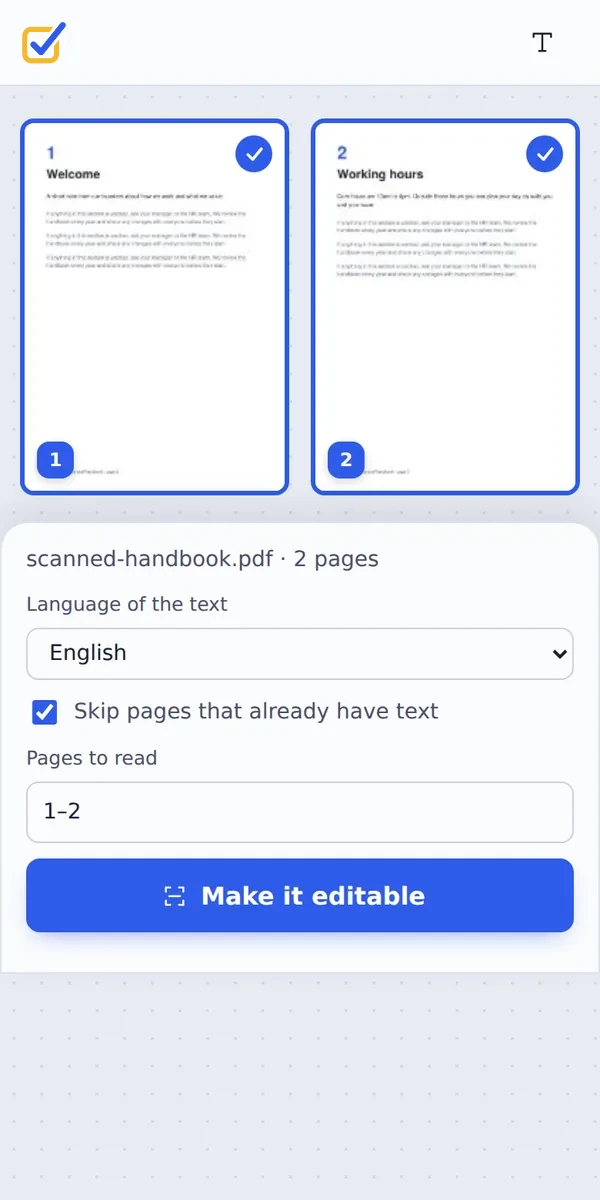
Works on iPhone, Android or Computer
- Windows
- Mac
- Linux
- Chromebook
- iPhone
- iPad
- Android
Open this page in your phone's browser, choose the scan and tap Make it editable. Tap any line in the editor to change it.
It works the same on Windows, Mac, Linux and Chromebook, with nothing to install.
When People Edit Scanned Documents
People edit scanned PDF files when they no longer have the original.
Wrong dates
Fix a date on a scanned form.
Names
Correct a misspelled name.
Old price lists
Update a scanned menu or list.
Addresses
Change an address on a letter.
Paper forms
Fill in a scanned form by typing.
Archived documents
Reuse old paper documents.
Tips to Edit Scanned PDF Pages Well
- Straighten firstDeskew PDF fixes crooked pages.
- Sharp scans300 dpi scans read best.
- Match the fontPick a serif or sans font on the right.
- WhiteoutCover a word, then type over it.
- ProofreadCheck numbers after editing.
- HandwritingIs not recognised; use Add text.
More PDF Tools
They all run in the same private editor.
OCR PDF
Make scans searchable.
Scan to PDF
Phone photos to a clean PDF.
Edit PDF text
Change existing words.
Whiteout PDF
Cover and type over details.
Deskew PDF
Straighten crooked scans.
PDF Editor
Edit text, sign and annotate.
Edit Scanned PDF: Frequently Asked Questions
Answers to what people ask before they edit a scanned PDF.
How do I edit a scanned PDF?
Choose the scan at the top of this page and click Make it editable. The text on each page is recognised, then the editor opens: click any line and type to change it, and download the new PDF.
Can I convert a scanned PDF to editable text?
Yes. This tool turns every line of the scan into text you can click and change. If you only need the words, OCR PDF can also save them as a plain .txt file.
How do I make a scanned PDF searchable before editing?
You do not need a separate step. When you edit a scanned PDF here, the recognised text is added to the pages first, so the file is searchable as well as editable.
Can I edit a scanned PDF for free?
Yes. The free plan works on PDFs up to 50 pages and 20 MB, with 3 downloads a day, no account and no watermark. TickPDF Pro removes these limits.
How accurate is the text when I edit a scanned PDF?
Clear, printed pages come out almost word for word. Check names and numbers before you change them, and fix any line the reader got wrong by clicking it and typing.
Can OCR recognize text from scanned documents?
Yes. It reads printed text on scans, photos of pages and faxes, in six languages. Handwriting is usually not recognised, so handwritten notes stay as they are.
Can I edit a scanned PDF on my phone?
Yes. Open this page in your phone's browser, choose the scan and tap Make it editable. Tap a line in the editor to change it. There is no app to install.
Do I need to OCR a PDF before I can edit it?
Only if it is a scan. A scan is a picture of text, so the words have to be recognised before they can be changed. This page does that for you in one step.
Ready to Edit Your Scanned PDF?
No account, no upload and no watermark: choose your PDF at the top of this page.
Open the toolTickPDF recognises and edits scans on your own device. Choose your file and edit scanned PDF pages today.