
Edit Images in PDF Online Free
Edit images in PDF pages: move, resize, replace or delete any picture.
- No upload
- Replace in one click
- No sign-up
- Text untouched

Edit images in PDF files the easy way: click a photo, logo or chart on the page and it lifts out, ready to move, resize, replace with a new picture or delete. Everything else on the page stays as it was, and the file never leaves your device.
How to Edit Images in PDF Pages
No design software needed.
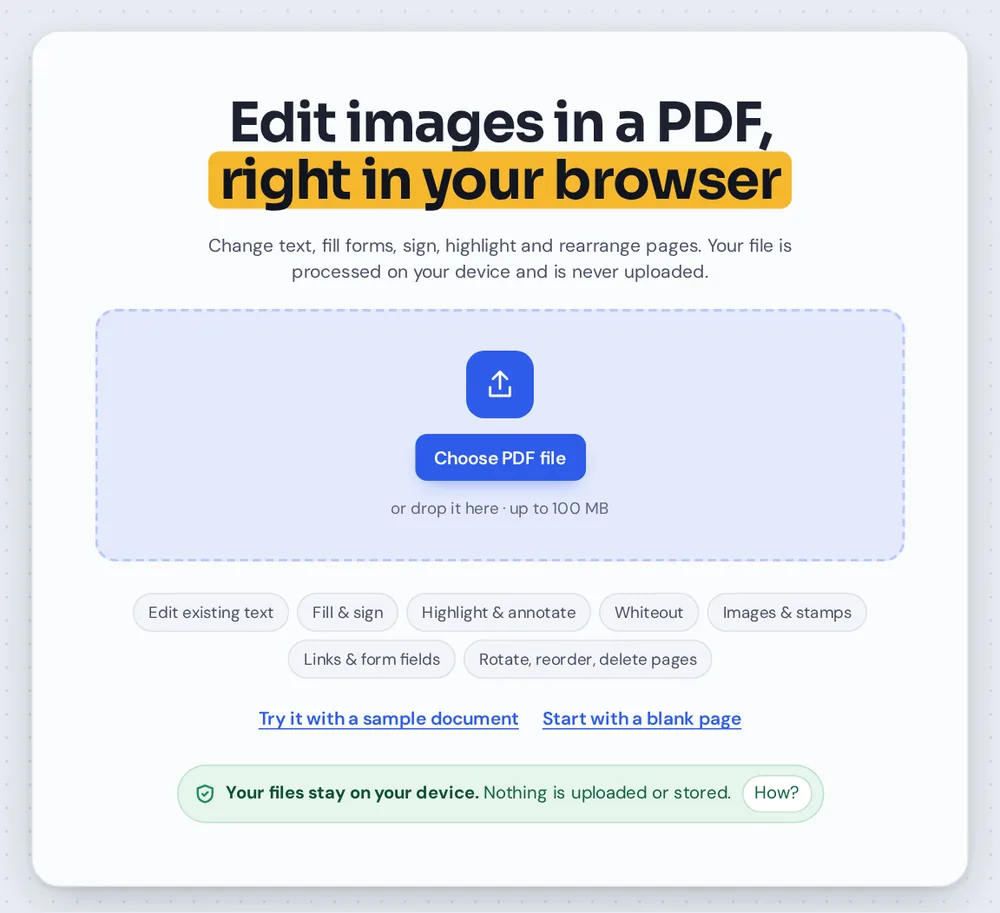
Open your PDF
Click Choose PDF file or drop it on the tool above.

Click a picture
Drag it to move it, drag a corner to resize, or click Replace picture to swap in your own image.
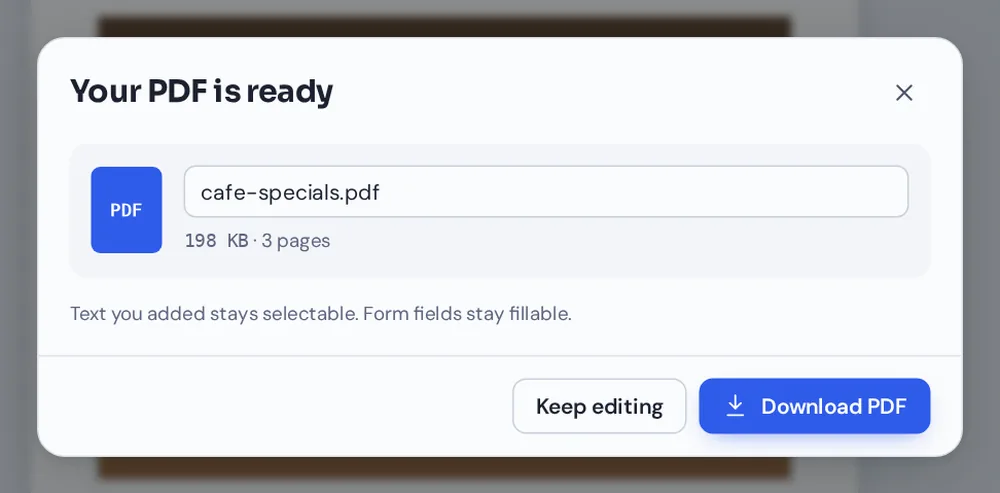
Download
Click Download to save the PDF with the new pictures.
How Picture Editing Works
Pictures in a PDF are placed at a fixed spot on the page. When you edit images in PDF pages here, a click on a picture finds its exact position and size, covers the old spot and gives you the same picture as an object you can change.
A new picture is fitted into the frame of the old one, so the layout stays tidy. You can also make a picture lighter with Opacity, put it in front of or behind other items, or press Delete to remove it.
Pictures that are turned at an angle are left alone. To remove a picture from the file for good, so nobody can recover it, use Redact PDF.
Replace
Fits the old frame.
Move and resize
Drag it or its corners.
Delete
Press the Delete key.
A Menu Photo Replaced in Seconds
The flatbread drawing swapped for a new photo, in the same place and size.

Design Software or This Editor
For a quick change, you do not need a design app.
| Design software | This tool | |
|---|---|---|
| Cost | Often a subscription | Free |
| Need the source file | Usually | No, only the PDF |
| Learning time | Hours | None |
Edit Pictures Without Uploading
Brochures, reports and IDs often contain photos you would rather keep private. TickPDF changes them inside your own browser tab, so the PDF never leaves your device.
There is no account and no copy on our side.
- 0files uploadedYour PDF stays on your device.
- 0copies keptWe never see your pages.
- 0accounts neededOpen the page and start.

Works on iPhone, Android or Computer
- Windows
- Mac
- Linux
- Chromebook
- iPhone
- iPad
- Android
Open this page in your phone's browser, choose the PDF and tap a picture. Drag it with a finger, or tap Replace picture to pick a photo from your gallery.
It works the same on Windows, Mac, Linux and Chromebook, with nothing to install.
When People Change Pictures
People edit images in PDF files when something visual is out of date.
Logos
Put in the new logo.
Menus
Swap dish photos.
Brochures
Update product shots.
Team pages
New staff photos.
Property listings
Better room photos.
Reports
Replace a chart.
Tips to Edit Images in PDF Files
- Same shapeA picture with the same shape fits best.
- Big enoughUse a photo at least as large as the frame.
- UndoCtrl+Z puts the old picture back.
- OrderUse Bring front or Send back.
- Private photosUse Redact PDF to remove them for good.
- Keep the originalSave the new file with a new name.
More PDF Tools
They all run in the same private editor.
Change font in PDF
Swap the font of any line.
Edit links in PDF
Change or remove web links.
Edit PDF text
Change existing words.
Extract images
Save the pictures in a PDF.
Compress PDF
Make the file smaller.
PDF Editor
Edit text, sign and annotate.

Edit Images in PDF: Frequently Asked Questions
Answers to what people ask before they edit images in PDF files.
How do I edit images in a PDF?
Open your PDF at the top of this page and click a picture. Drag it to move it, drag a corner to resize it, click Replace picture to swap in your own image, or press Delete to remove it. Then click Download.
Can I edit images in a PDF for free?
Yes. The free plan works on PDFs up to 50 pages and 20 MB, with 3 downloads a day, no account and no watermark. TickPDF Pro removes these limits.
Can I edit images in a PDF online?
Yes. The tool runs in your web browser on Windows, Mac, Linux and Chromebook, with nothing to install. Open your PDF at the top of this page to start.
How do I edit images in a PDF on my phone?
Open this page in your phone's browser, choose the PDF and tap a picture. Drag it with a finger, or tap Replace picture to pick a photo from your gallery. There is no app to install.
Can I edit images in a PDF without Adobe Acrobat?
Yes. You do not need Acrobat or any other software. The tool runs in your browser, and the new PDF opens in Acrobat, Preview, Chrome and every other PDF reader.
Is it safe to edit images in a PDF online?
Yes. Your PDF is not uploaded. It is opened and processed inside your browser tab and never sent to our servers, so nobody else sees it. Close the tab and nothing is left behind.
Will my pictures lose quality when I edit images in PDF pages?
No. Pictures you move or resize keep their original pixels, and a new picture is added at the size you choose. For sharp results, replace a picture with one that is at least as big as the frame.
What is the easiest way to edit images in a PDF?
Open the PDF above and click the picture you want to change. The picture tool is already on, so it lifts out ready to move, resize or replace.
Ready to Edit Images in PDF Pages?
No account, no upload and no watermark: choose your PDF at the top of this page.
Open the toolTickPDF changes pictures on your own device. Open your file and edit images in PDF documents today.