
Split PDF by Text Online Free
Split PDF by text: a new file starts wherever your words appear.
- No upload
- Any keyword
- No sign-up
- Batches of documents

Split PDF by text when one big PDF holds many invoices, payslips, statements or letters. Type a word that appears at the start of each one, such as Invoice number, and the PDF is cut before every page that contains it. Nothing is uploaded.
How to Split PDF by Text
Matching pages are marked as you type.
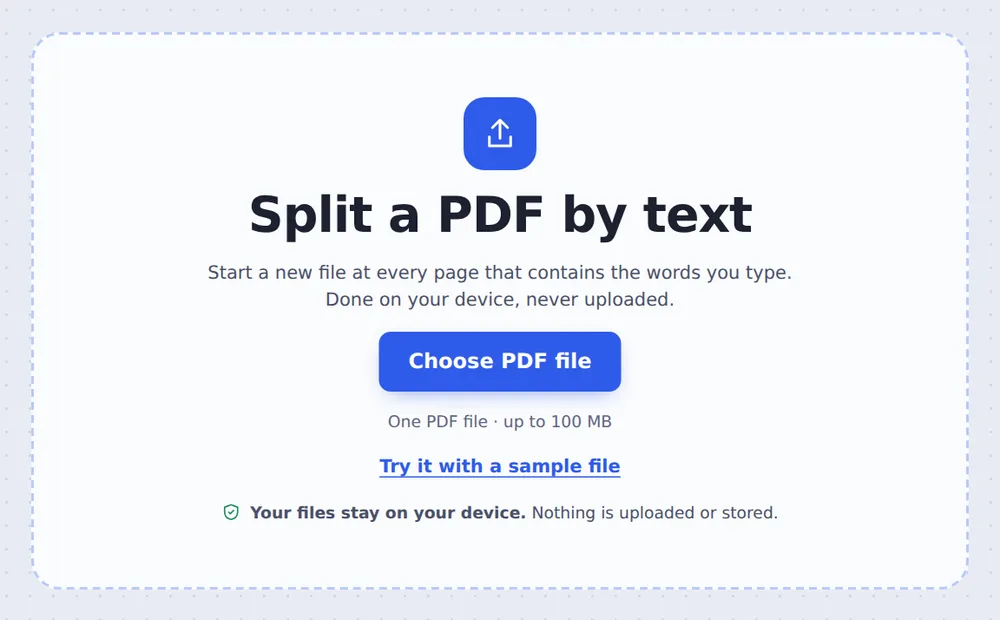
Choose your PDF
Click Choose PDF file or drop the PDF on the tool above.

Type the words
In Start a new file at pages with, type words that appear on the first page of each part. Pages that contain them are marked Found. Click Split PDF.
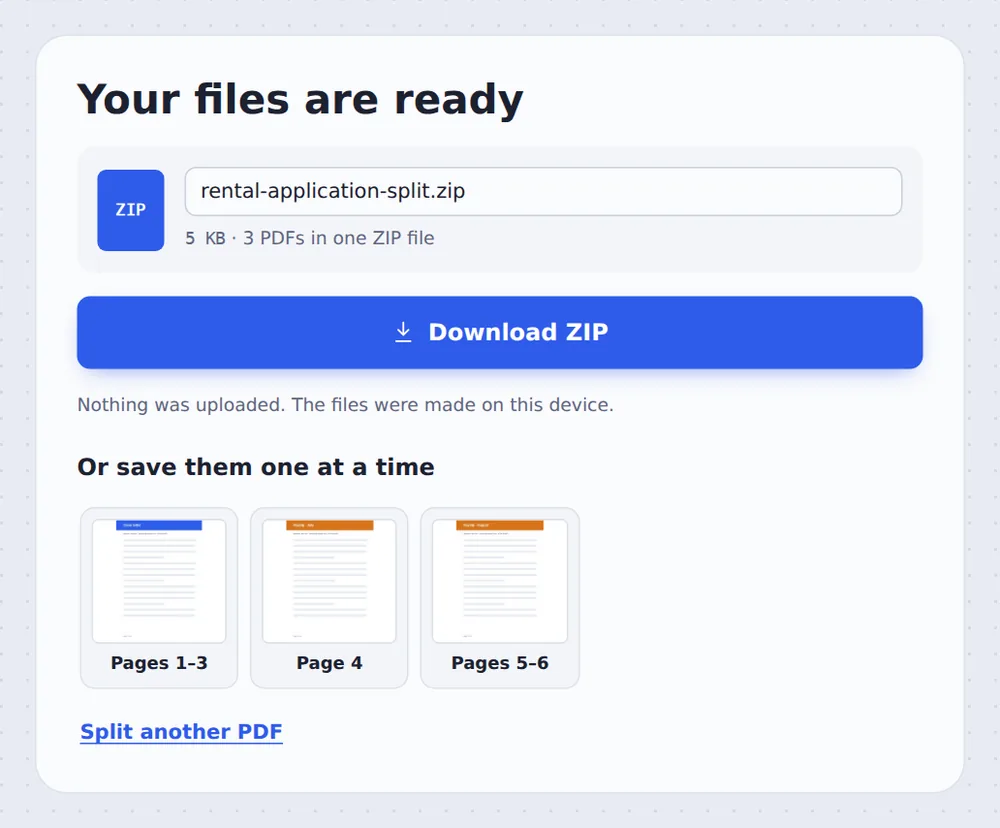
Download the files
Download them all in one ZIP, or one at a time.
How Splitting by Text Works
Accounting and payroll systems often export a whole month of invoices, payslips or statements as one long PDF. Each document starts on a new page with the same heading, but they all run together.
When you split PDF by text, the tool reads every page, finds the ones that contain your words, and starts a new file at each of them. Pages before the first match stay in the first file.
Searching ignores capital letters and line breaks. Scanned pages without a text layer cannot be searched.
Your words
A heading, a label or a name.
Automatic splits
Before every page found.
Any language
Searches the text in the PDF.
Found Pages Are Marked
Each page that contains your words starts a new file, shown in its own colour.

Good Words to Split On
Pick text that appears once, at the top of each document.
| Type | Why | |
|---|---|---|
| Invoices | Invoice number | Printed once at the top |
| Payslips | Payslip | The heading of each payslip |
| Bank statements | Statement period | Starts each statement |
| Letters | Dear | The first line of each letter |
Split PDF by Text Without Uploading
Invoices, payslips and statements are private. TickPDF searches and splits them inside your own browser tab, so they never leave your device.
There is no account and no copy on our side.
- 0files uploadedYour PDF stays on your device.
- 0copies keptWe never see your pages.
- 0accounts neededOpen the page and start.

Works on iPhone, Android or Computer
- Windows
- Mac
- Linux
- Chromebook
- iPhone
- iPad
- Android
Open this page in your phone's browser, choose the PDF, type the words and tap Split PDF.
It works the same on Windows, Mac, Linux and Chromebook, with nothing to install.
Batches That Need Separating
People split PDF by text to send each document to the right person.
Invoices
One file per invoice for your accounts.
Payslips
One payslip per employee.
Statements
Monthly statements from one export.
Forms
Scanned forms with a text layer.
Letters
Mail-merge letters as separate files.
Exam papers
One paper per student.
Tips for Splitting on Keywords
- Use a headingWords that appear once per document work best.
- Fewer wordsShort phrases match more reliably.
- Fine-tuneClick the scissors to adjust any split.
- ScansPlain scans have no text to search.
- Has bookmarks?Split by bookmarks names the files for you.
- Keep the originalYour original PDF is not changed.
More PDF Tools
They all run in the same private editor.
Split PDF
Cut a PDF wherever you want.
Split by bookmarks
One file per chapter.
Split by size
Files under an email limit.
PDF to Text
Copy all the text out.
Extract PDF pages
Save some pages as a new PDF.
Merge PDF
Join files into one document.

Split PDF by Text: Frequently Asked Questions
Answers to what people ask about splitting on a keyword.
How do I split a PDF by text?
Choose your PDF at the top of this page and type the words that start each new part, such as Invoice number. A new file starts at every page with those words. Click Split PDF.
Can I split a PDF by text for free?
Yes. The free plan works on PDFs up to 50 pages and 20 MB, with 3 downloads a day, no account and no watermark. TickPDF Pro removes these limits.
Can I split a PDF by text online?
Yes. The tool runs in your web browser on Windows, Mac, Linux and Chromebook, with nothing to install. Open your PDF at the top of this page to start.
How do I split a PDF by text on my phone?
Open this page in your phone's browser, choose the PDF, type the words and tap Split PDF. There is no app to install.
Can I split a PDF by text without Adobe Acrobat?
Yes. You do not need Acrobat or any other software. The tool runs in your browser, and the new PDF opens in Acrobat, Preview, Chrome and every other PDF reader.
Is it safe to split a PDF by text online?
Yes. Your PDF is not uploaded. It is opened and processed inside your browser tab and never sent to our servers, so nobody else sees it. Close the tab and nothing is left behind.
Does it work on scanned PDFs?
Only if the scan has a text layer. A plain scan is a picture of the page, so there are no words to search. The tool tells you when the words are not found.
What is the easiest way to split a PDF by text?
Open the PDF above, type a word that appears at the top of each part, and click Split PDF.
Ready to Split by Keyword?
No account, no upload and no watermark: choose your PDF at the top of this page.
Open the toolTickPDF finds and splits your documents on your own device. Choose your file and split PDF by text today.