
Overlay PDF Online Free
Overlay PDF pages: add your letterhead, stamp or background to every page.
- No upload
- On top or behind
- No sign-up
- Vector quality

Overlay PDF files to put a company letterhead on a quote, a background on a certificate, or a pre-printed form layout behind typed answers. Choose the document and the overlay, decide on top or behind, and download. Both files stay on your device.
How to Overlay PDF Files
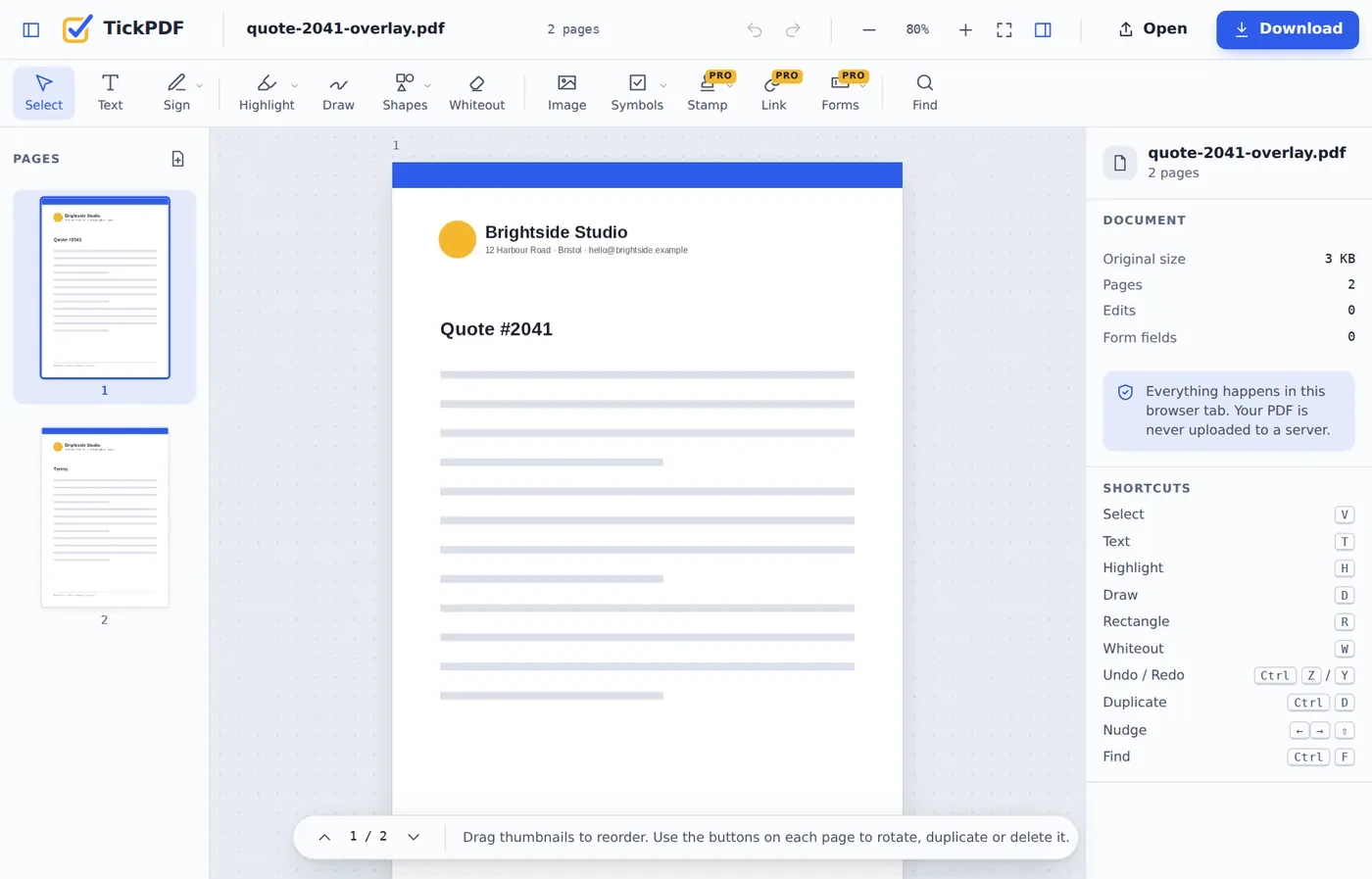
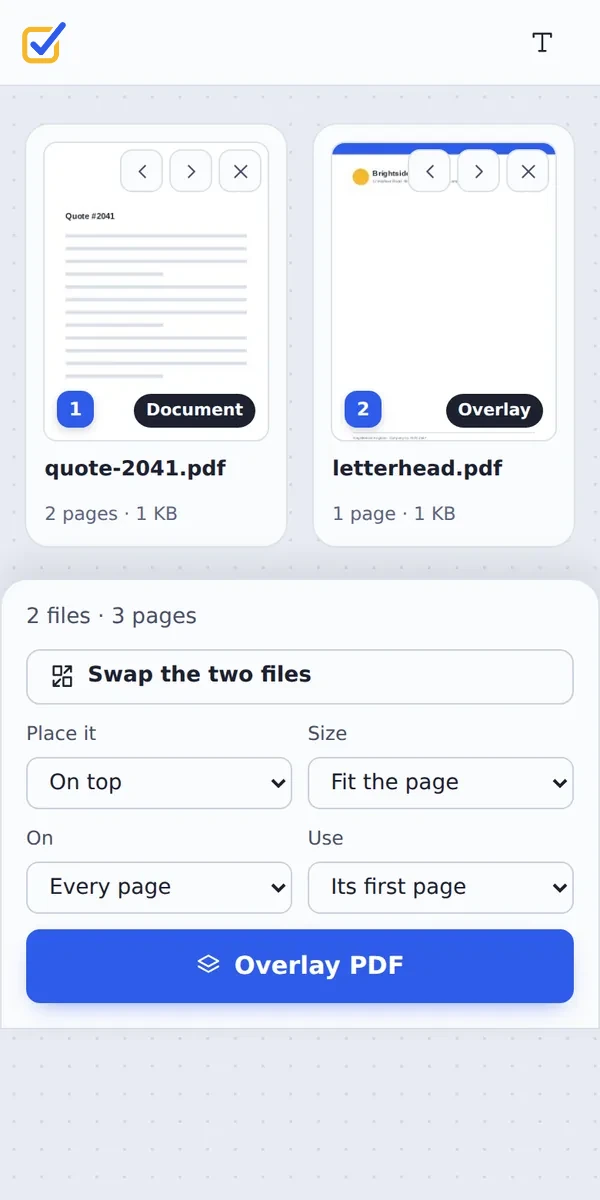
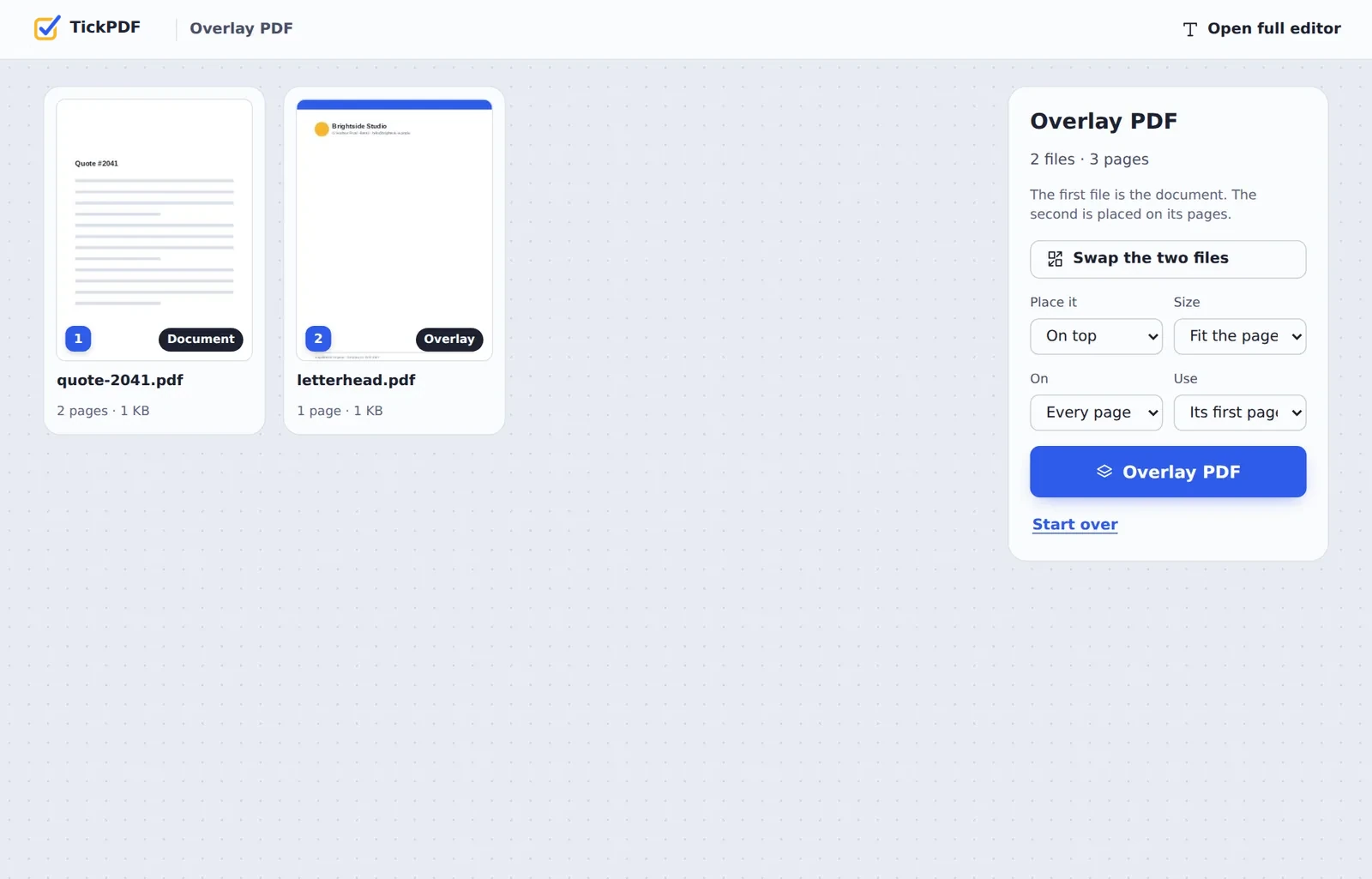
The first file is the document, the second is placed on it.
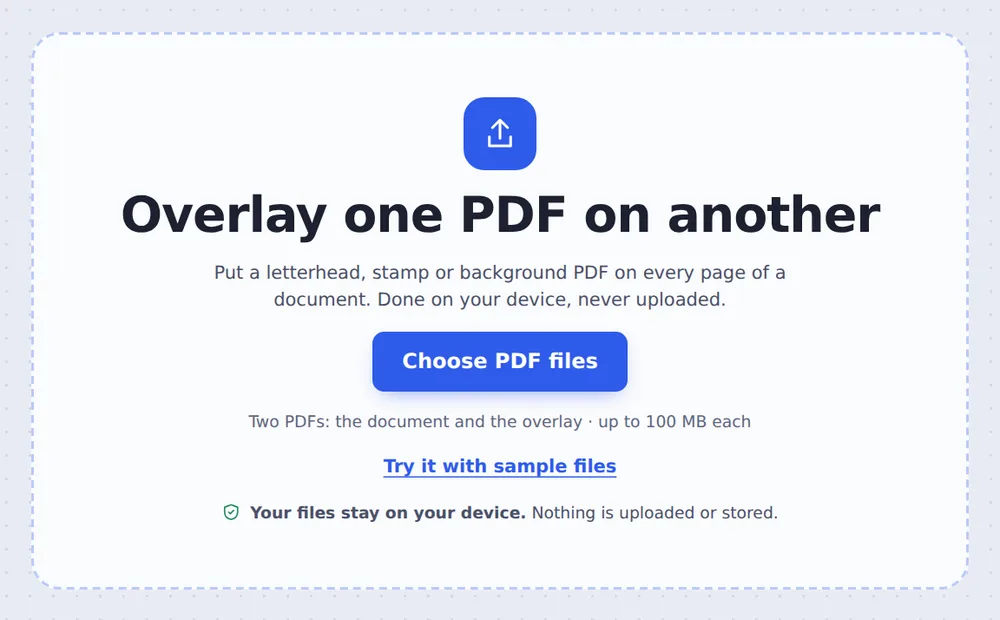
Choose both PDFs
Click Choose PDF files and pick the document and the overlay, such as your letterhead. They are tagged Document and Overlay.
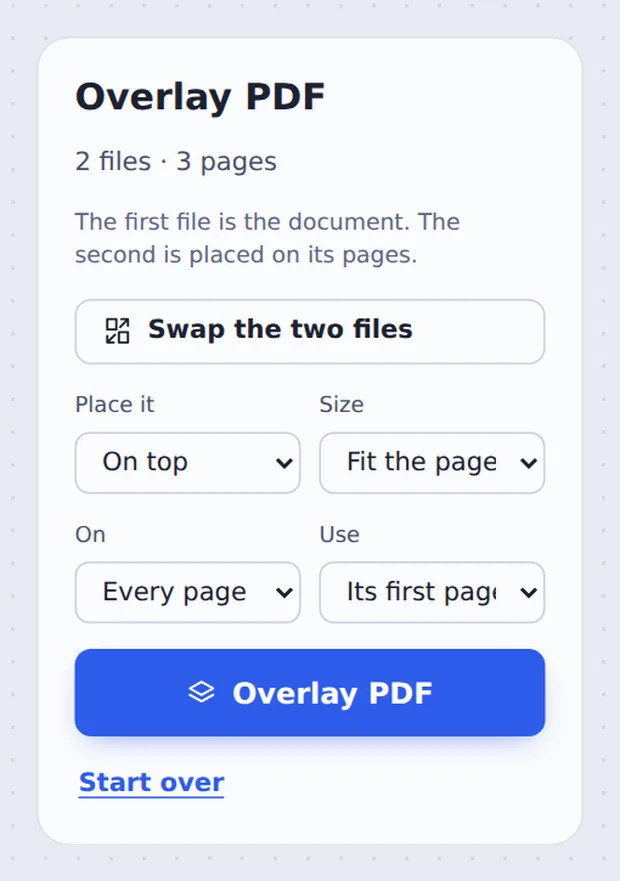
Choose how to place it
Pick On top or Behind, Every page or The first page only, and the size. Click Overlay PDF.
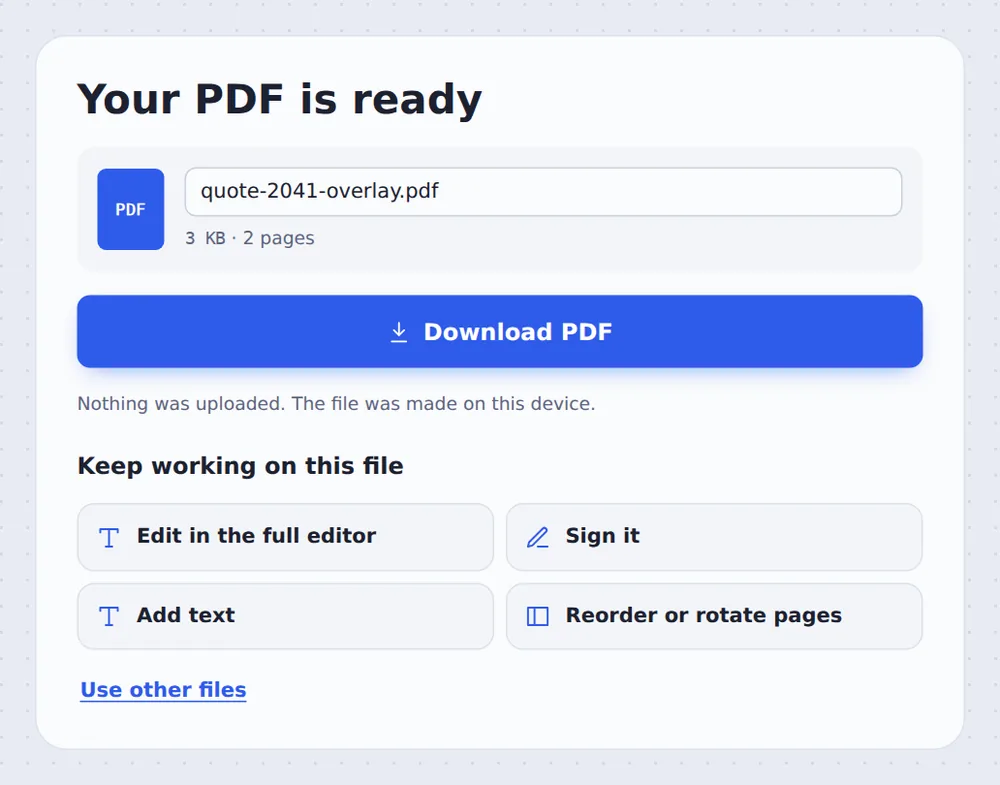
Download the result
Click Download PDF, or open it in the editor to sign it.
On Top or Behind?
On top places the overlay over the page, like a transparent sheet. It suits letterheads and footers that sit in empty margins, stamps, and watermarks made in another app.
Behind places the overlay under the page content, like pre-printed paper. It suits backgrounds, certificate borders and form layouts. A background only shows where the document page is see-through, so scanned pages will cover it.
The overlay is placed as vector content, so text and logos stay perfectly sharp.
On top
Letterheads, stamps and marks.
Behind
Backgrounds and form layouts.
Page by page
Overlay page 1 on 1, 2 on 2.
The Document and the Overlay
Swap them with one click if you added them the other way round.
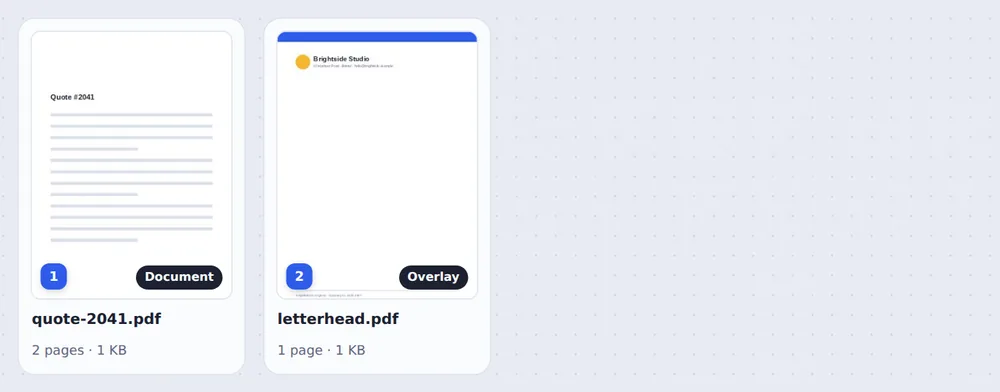
Your Letterhead on Every Page
The quote now carries the logo, address and footer of the letterhead.
Overlay PDF Files Without Uploading
TickPDF combines the two files inside your own browser tab, so your letterhead and documents never leave your device.
There is no account and no copy on our side.
- 0files uploadedYour files stays on your device.
- 0copies keptWe never see your pages.
- 0accounts neededOpen the page and start.
Works on iPhone, Android or Computer
- Windows
- Mac
- Linux
- Chromebook
- iPhone
- iPad
- Android
Open this page in your phone's browser, choose both PDFs and tap Overlay PDF.
It works the same on Windows, Mac, Linux and Chromebook, with nothing to install.
What People Put on Their Pages
People overlay PDF pages whenever a design and the content are made separately.
Letterheads
Quotes, invoices and letters from any app.
Stamps
A stamp PDF on every page.
Certificates
Names over a printed border.
Form layouts
Typed answers behind a form design.
Draft marks
A DRAFT banner made in another app.
Backgrounds
Coloured or patterned page backgrounds.
Tips for Using a Letterhead
- Same paper sizeMake the letterhead the size of the document.
- Empty marginsLeave room for the letterhead in your document.
- First page onlyMany letterheads are used on page 1 only.
- Text watermark?Watermark PDF adds CONFIDENTIAL without a file.
- Simple footer?Header and footer adds text and page numbers.
- Keep the originalsNeither file is changed.
More PDF Tools
They all run in the same private editor.
Watermark PDF
Mark pages CONFIDENTIAL.
Header and footer
Add a title and page numbers.
Merge PDF
Join files into one document.
Sign PDF
Sign the document.
Flatten PDF
Lock forms and comments in place.
PDF Editor
Edit text, sign and annotate.
Overlay PDF: Frequently Asked Questions
Answers to what people ask about overlays and letterheads.
How do I overlay one PDF on another?
Choose the document and the overlay PDF at the top of this page. Pick On top or Behind, and whether it goes on every page, then click Overlay PDF.
Can I overlay one PDF on another for free?
Yes. The free plan works on PDFs up to 50 pages and 20 MB, with 3 downloads a day, no account and no watermark. TickPDF Pro removes these limits.
Can I overlay one PDF on another online?
Yes. The tool runs in your web browser on Windows, Mac, Linux and Chromebook, with nothing to install. Open your PDFs at the top of this page to start.
How do I overlay one PDF on another on my phone?
Open this page in your phone's browser, choose both PDFs and tap Overlay PDF. There is no app to install.
Can I overlay one PDF on another without Adobe Acrobat?
Yes. You do not need Acrobat or any other software. The tool runs in your browser, and the new PDF opens in Acrobat, Preview, Chrome and every other PDF reader.
Is it safe to overlay one PDF on another online?
Yes. Your PDF is not uploaded. It is opened and processed inside your browser tab and never sent to our servers, so nobody else sees it. Close the tab and nothing is left behind.
Can I add my letterhead to a PDF?
Yes. Save your letterhead as a one-page PDF, add it as the second file, and choose On top. It is placed on every page of the document, in sharp vector quality.
What is the easiest way to overlay one PDF on another?
Drop the document and the overlay PDF on the tool above and click Overlay PDF. The overlay is placed on top of every page.
Ready to Overlay Your PDF?
No account, no upload and no watermark: choose your PDFs at the top of this page.
Open the toolTickPDF combines your pages on your own device. Choose your files and overlay PDF pages today.